Move Placeables Advanced V2.0.0.0

Move Placeables Advanced V2.0.0.0
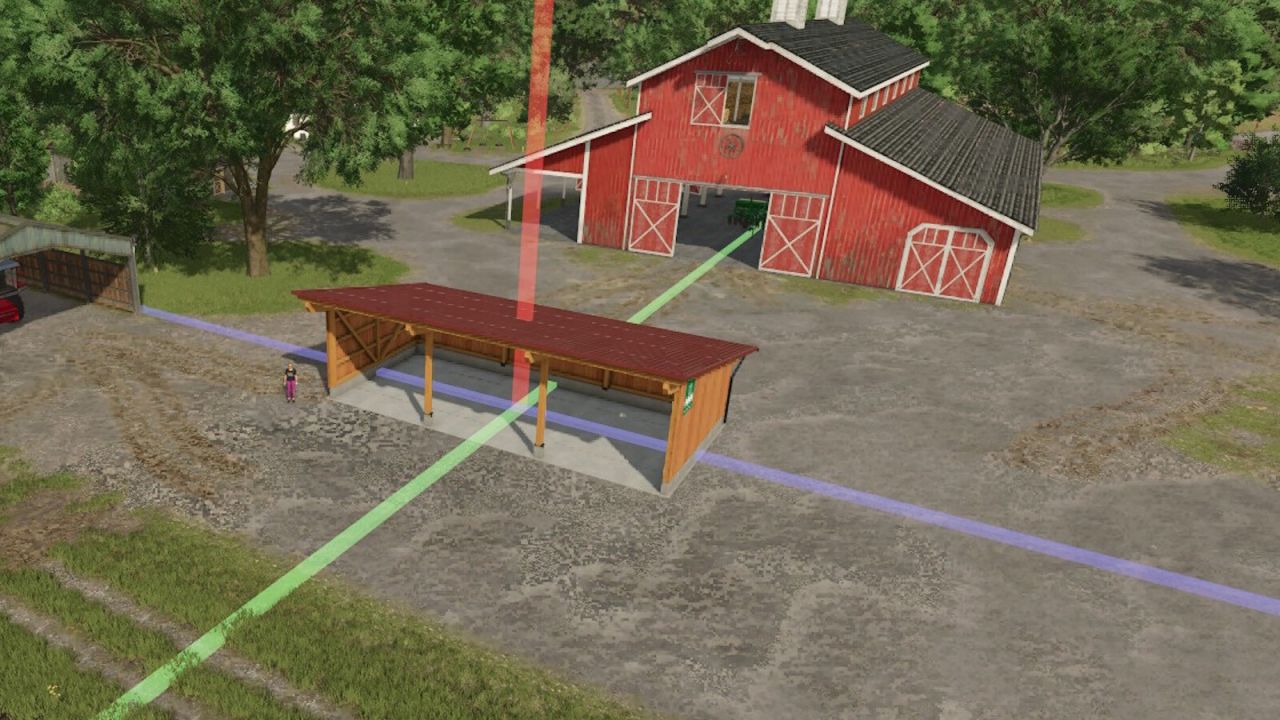
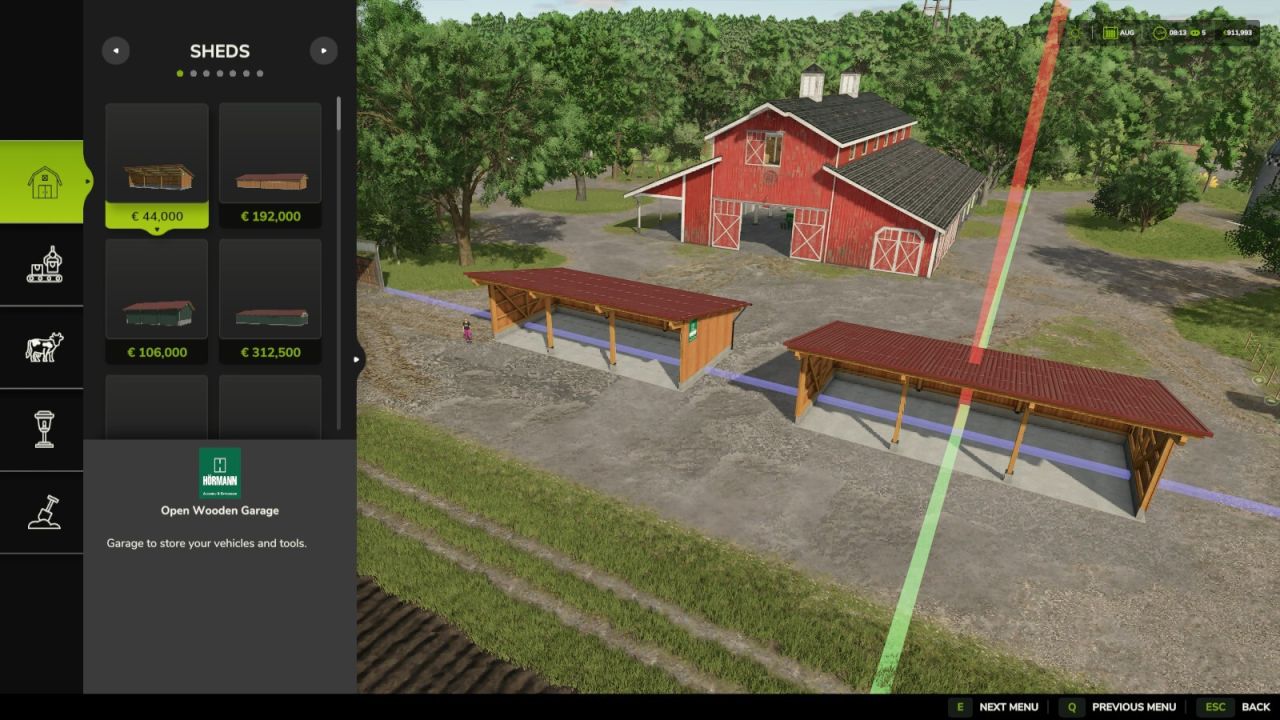
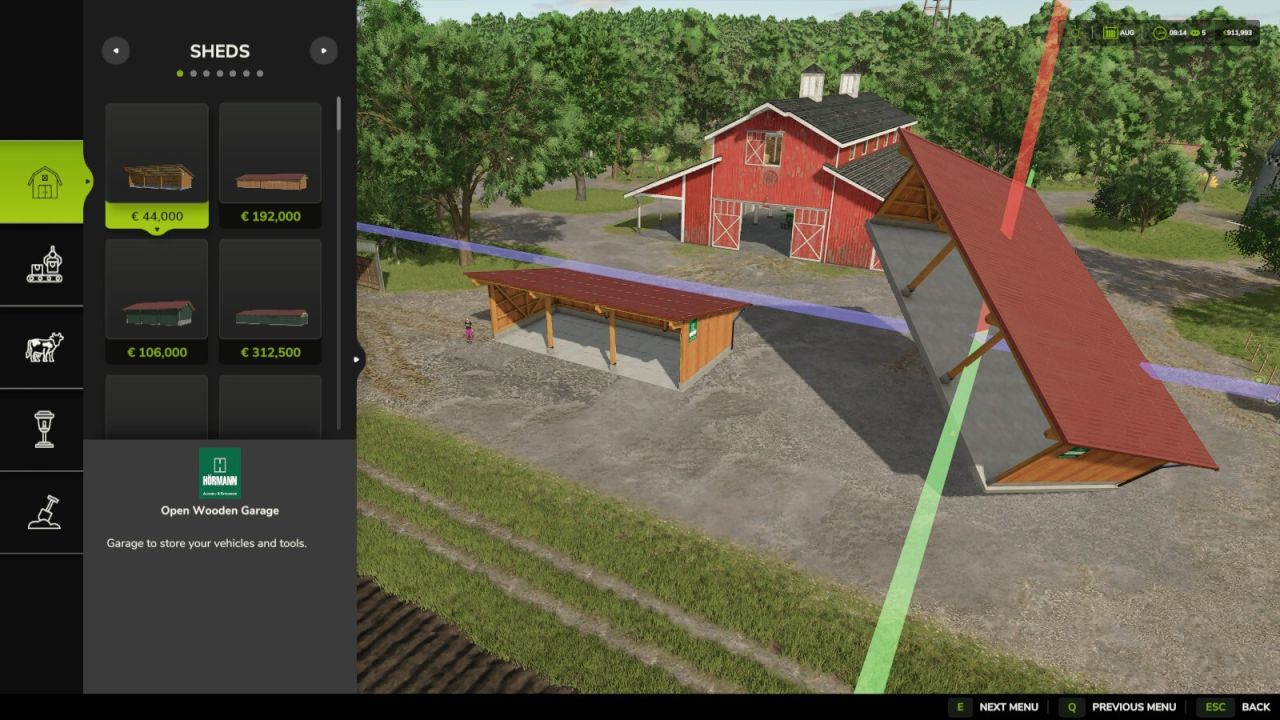
This mod allows you to reposition placed objects. It supports movement along all three axes (X, Y, Z) as well as rotation around all three axes.
Usage:
– Open the construction menu (default: Shift+P)
– Select the placed object
– Select the Move option
– Left-click on one of the 3 axes and move the mouse => Move the object along the axis
– Right-click on one of the 3 axes and move the mouse => Change the object’s rotation around the axis
– Confirm the change by clicking on the placed object again or by pressing the Escape key; a final confirmation prompt will appear
– While editing, you can press Escape to discard or undo the change
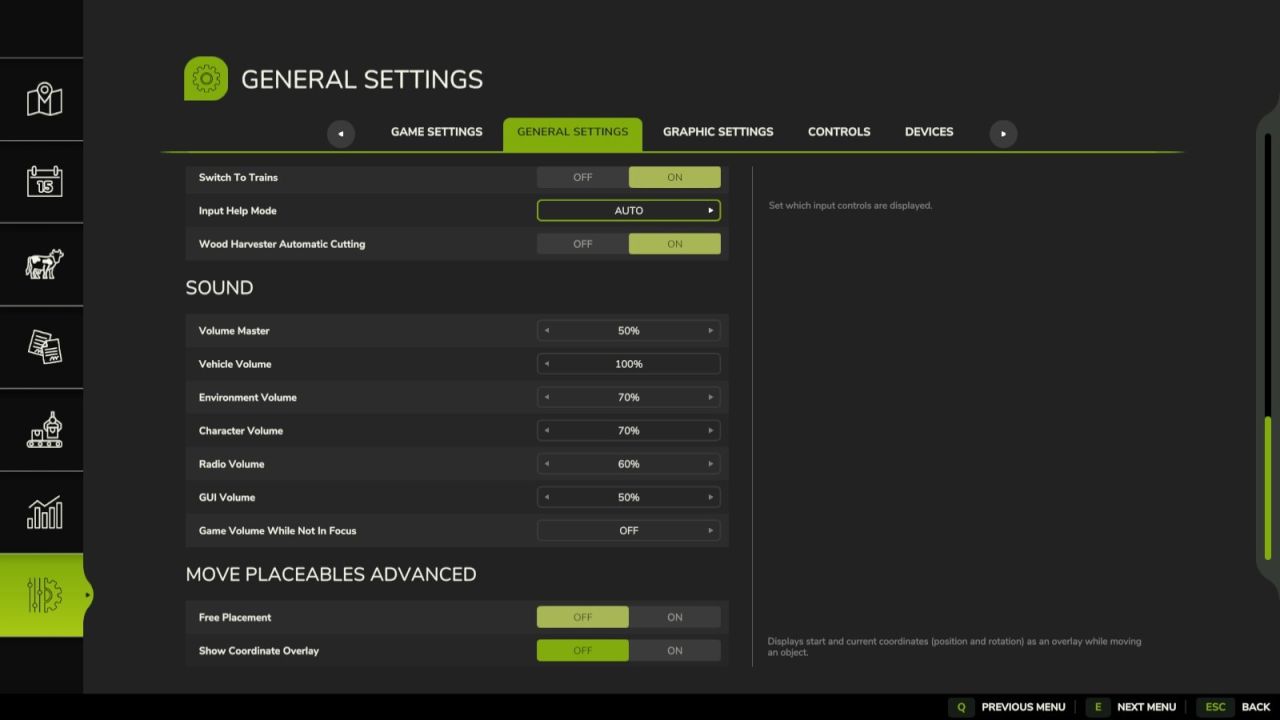
Settings for the mod can be found under General Settings in the menu:
– Free Movement: When enabled, moving objects incurs no cost.
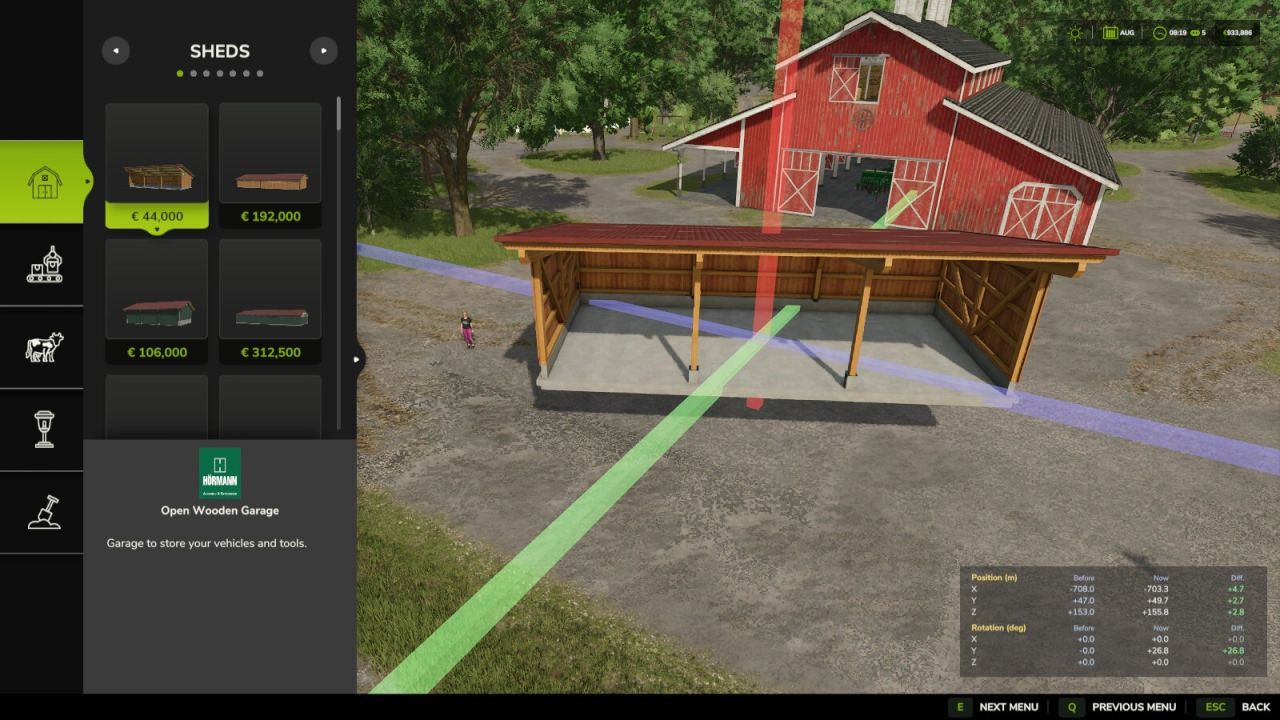
– Show Coordinate Overlay: Displays the starting and current coordinates (position and rotation) as an overlay when moving objects
ATTENTION! This mod is a complete remake of the mod “Rearrange Placeables” by Helfer B (myself).
The new mod is not compatible with the old mod but replaces it.
All functions have been revised and optimized to provide a better user experience.
If you are using the mod “FS25_RearrangePlaceables.zip”, you must delete it first in order to use the new perfect version “Move Placeables Advanced”.
Changelog 2.0.0.0:
– Completely new code
– Various minor bug fixes
– Various logic optimizations
– Pre-placed map objects can now be repositioned without errors
– Added setting for repositioning costs
– Added overlay showing before/after/diff for the object’s alignment and rotation (can be disabled in settings)