Husbandry Fence Manager V1.0.0.0

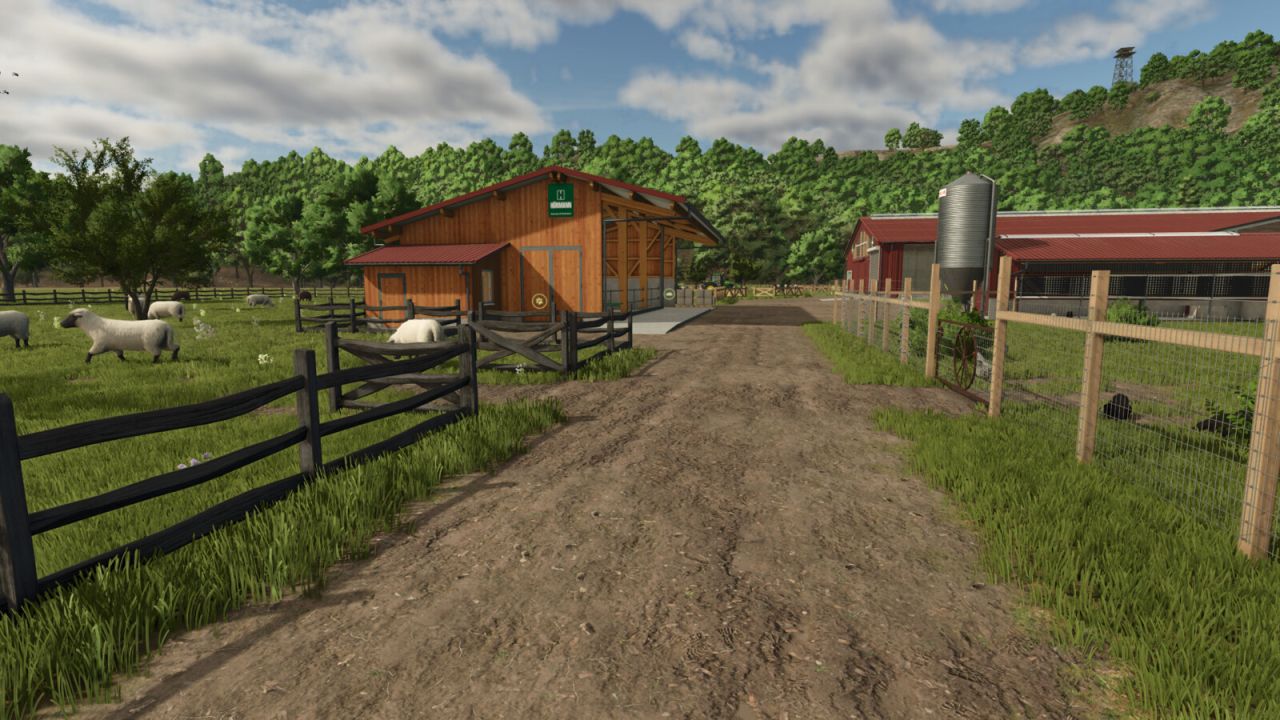
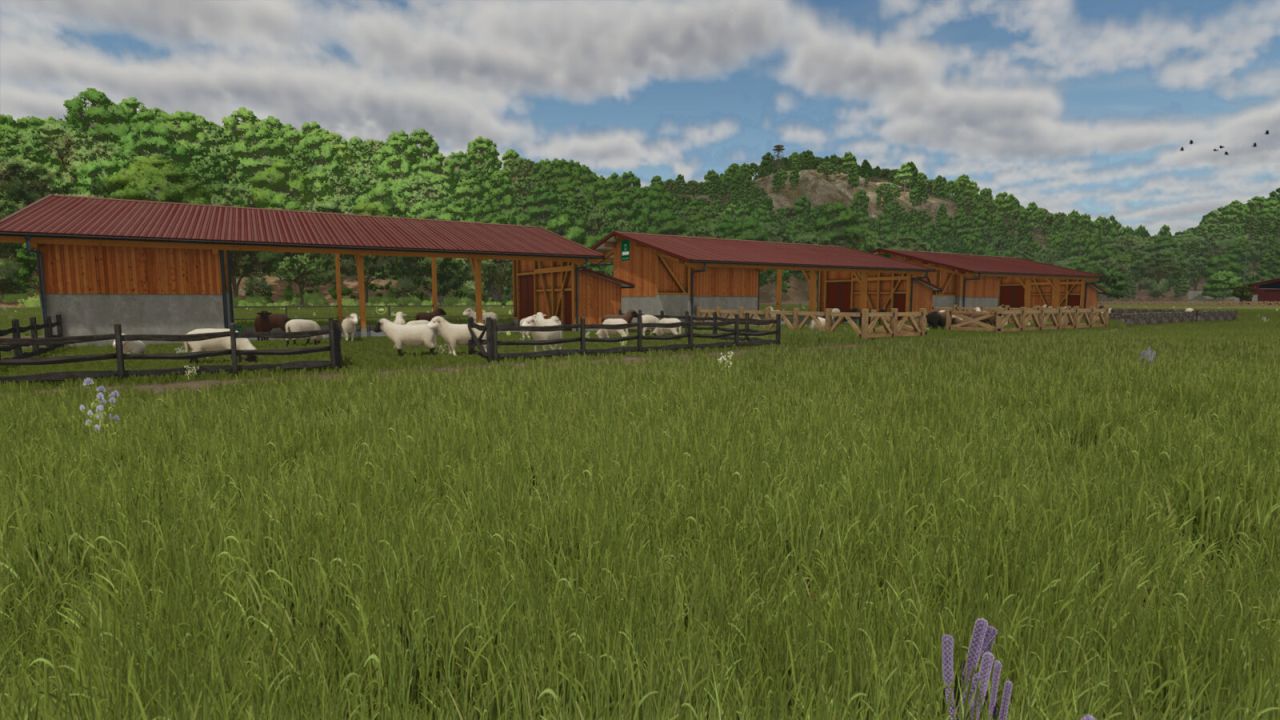
Husbandry Fence Manager V1.0.0.0
Singleplayer only!
Choose your style and build animal pastures that fit your farm.
Husbandry Fence Manager allows you to choose a compatible base-game fence for animal husbandries and edit their pastures after placement.
The mod works with both new and existing husbandries. There is no need to sell or replace a husbandry to change its fence or adjust the pasture layout.
Features:
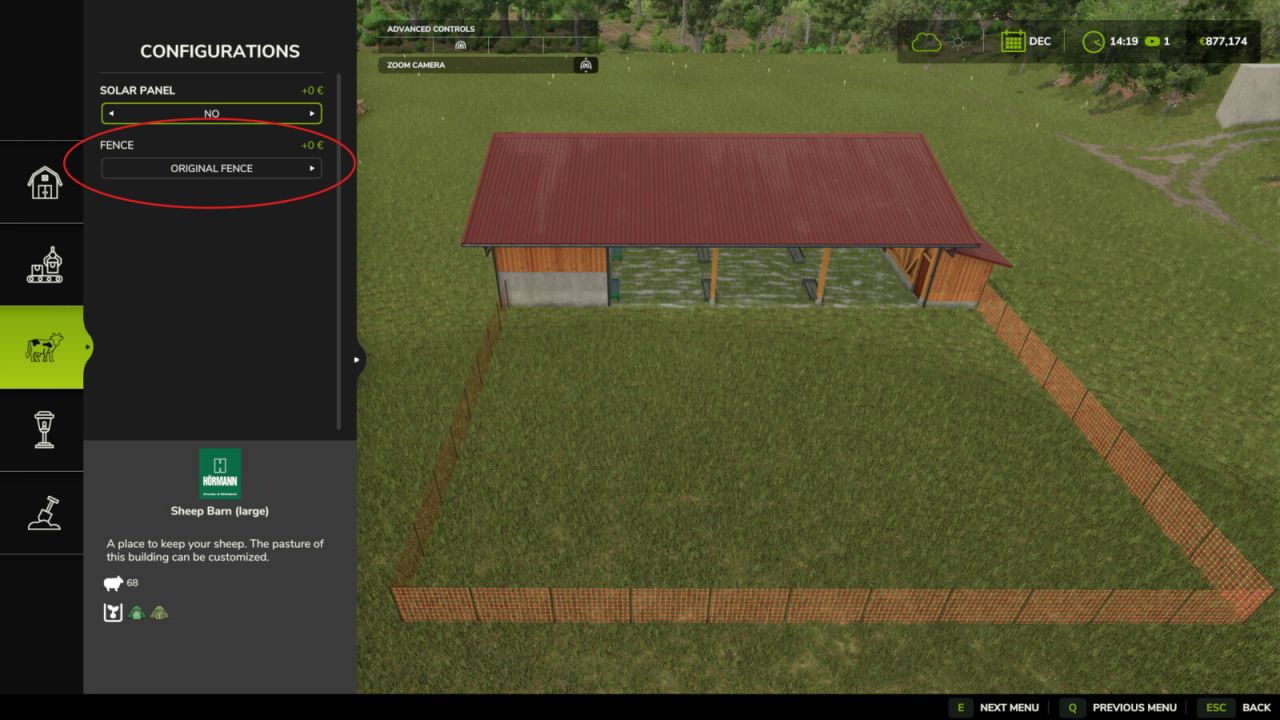
– Choose a fence from the Customize menu when placing a new husbandry
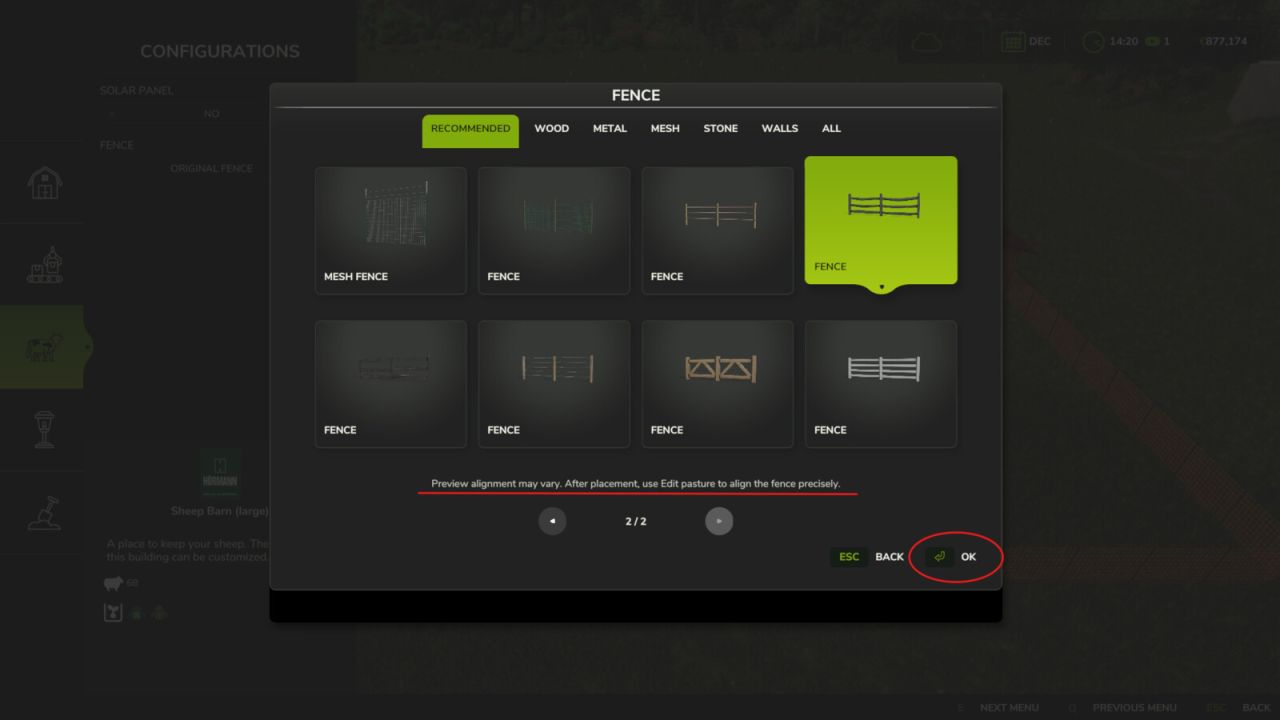
– Browse compatible base-game fences in the graphical Fence Browser
– Change the fence style of an existing husbandry
– Edit, redraw and resize pastures after placement
– Animal capacity changes according to the size of the pasture
– Supports compatible base-game husbandries
– Supports compatible mod husbandries that use the standard Farming Simulator 25 pasture fence system
How to use:
New husbandry:
– Select a compatible animal husbandry from the construction menu
– Open Customize and select Fence
– Choose a fence style from the Fence Browser
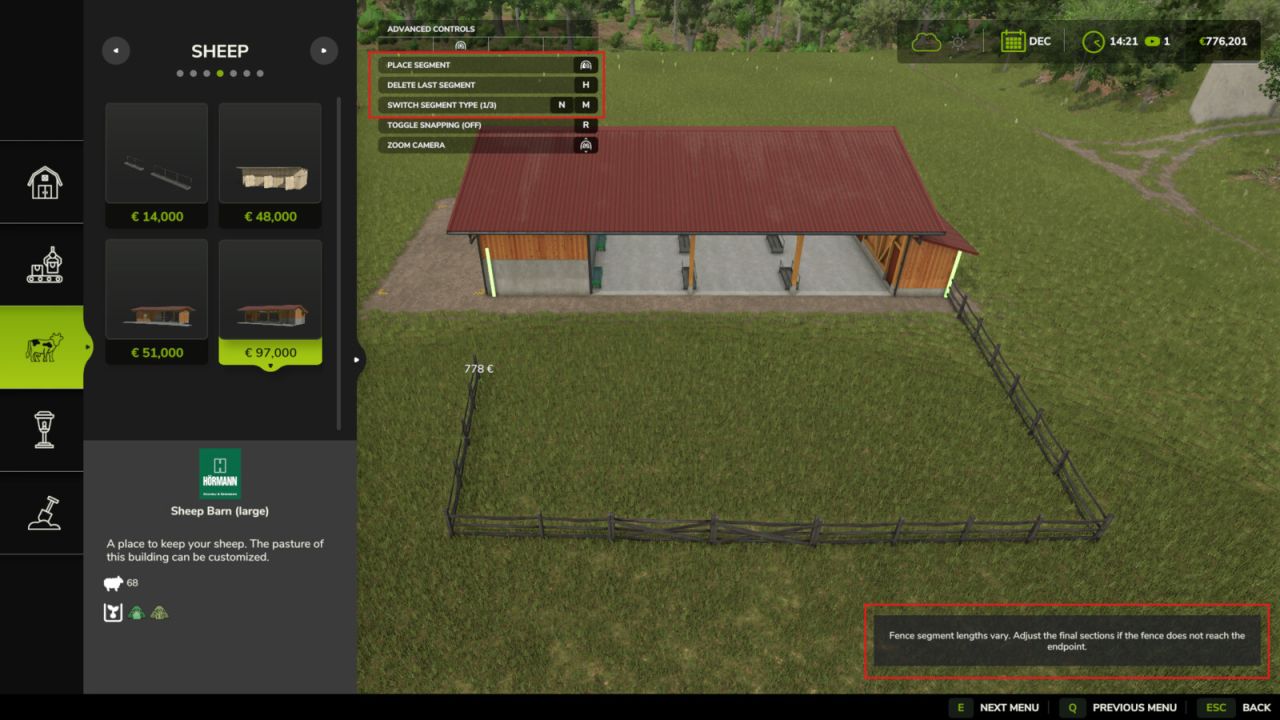
– Continue placing the husbandry and build the pasture using the normal in-game fence tools
Existing husbandry:
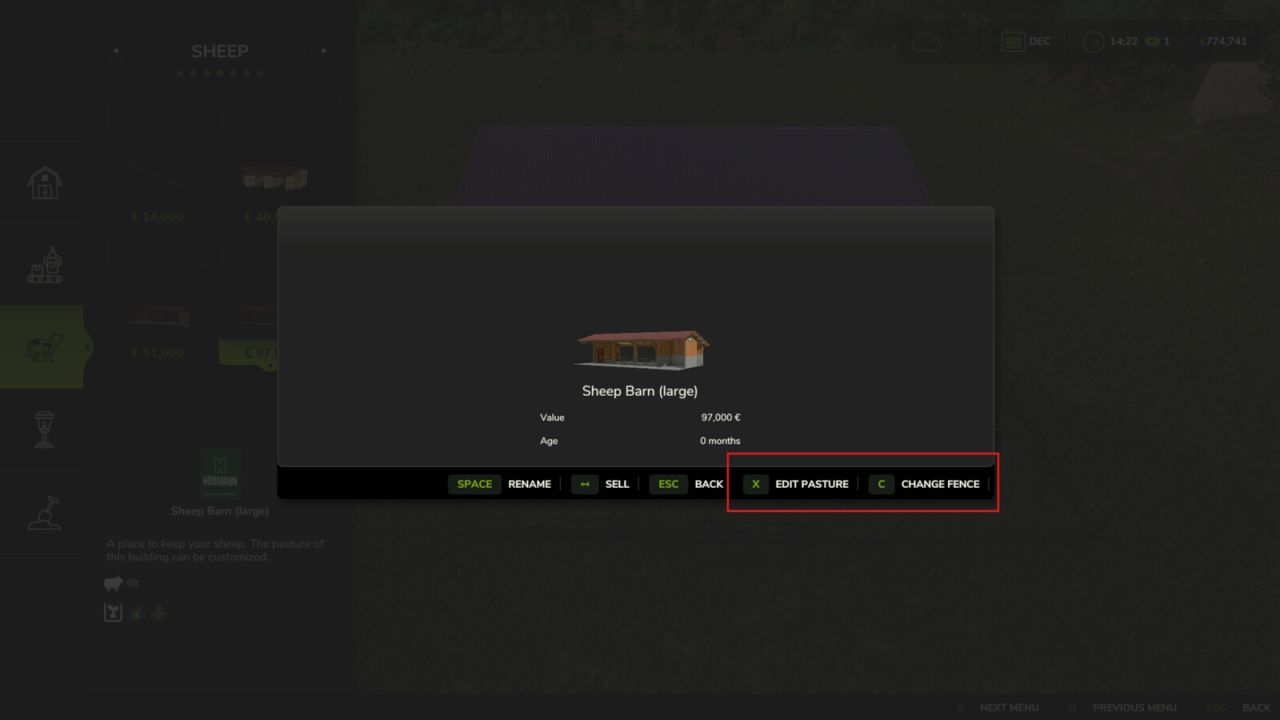
– Open the husbandry information window
– Select Edit Pasture to redraw or resize the pasture using its current fence style
– Select Change Fence to choose a different fence style before redrawing the pasture
The size of the pasture determines how many animals the husbandry can hold. Enlarging the pasture increases its capacity, while making it smaller reduces it.
Helpful tip:
– Different fence styles use different segment lengths
– If the fence does not connect correctly to the final anchor point, adjust or redraw only the last few fence sections until it connects
– Some fence styles may fit certain husbandries and pasture layouts better than others
Compatibility:
Using Husbandry Fence Manager together with other mods that edit or rebuild pasture fences after placement is not recommended. Different editing and anchor systems may conflict and create incorrect fence layouts.
The mod supports compatible base-game husbandries and mod husbandries that use the standard Farming Simulator 25 pasture fence system.
Husbandries with fixed fences built directly into the building model cannot be edited.
Only fence styles included in the base game are available in this release.
Please note:
Open gates do not allow animals to escape. Animal containment is handled by the husbandry system, so gates can be left open for vehicle access.
Husbandry Fence Manager is currently singleplayer only. Multiplayer support is planned for a future update.