
Grain Cart Remote (CP) v1.0.0.0
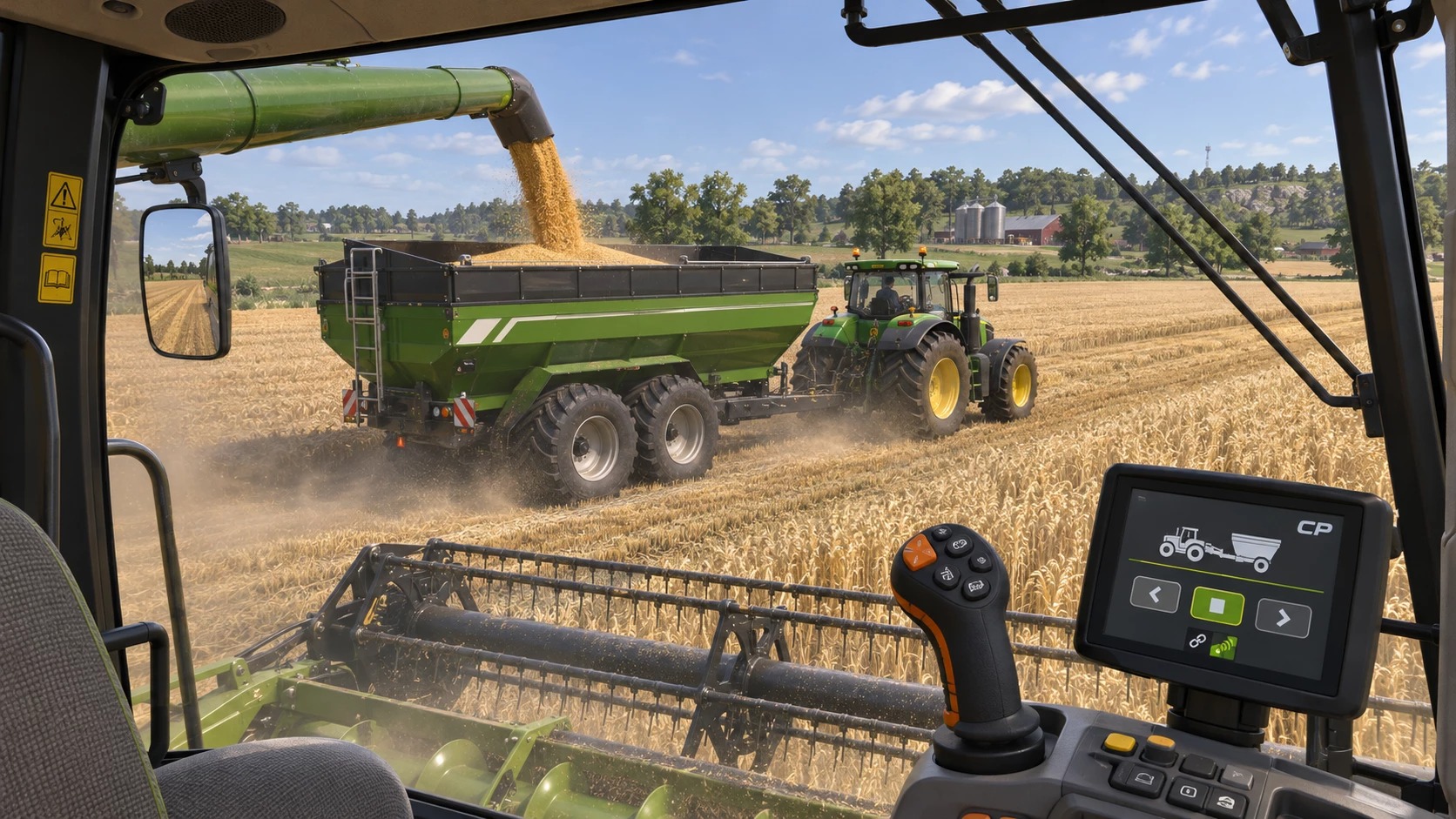

Grain Cart Remote (CP) v1.0.0.0
Grain cart commands for Courseplay (add-on, needs FS25_Courseplay).
– Floating panel to call, pause, release and send the grain cart (a Courseplay combine unloader) to unload, and to nudge it forward, back, left and right under the pipe.
– The cart can unload a harvester you drive yourself, not only one driven by Courseplay.
– Multi-hopper trailers are filled one hopper at a time.
– Move out of the way button: parks the cart beside the harvester’s path, on harvested ground.
– The cart never waits in the standing crop, and when the truck is full it only goes to another truck if one is close by.
Show the mouse cursor (right click) to use the panel, the X closes it, Alt+0 shows/hides it.
Keys: Alt+1 call, Alt+2 forward, Alt+3 back, Alt+4 pause, Alt+5 release, Alt+6 unload, Alt+7 left, Alt+8 right,
Alt+9 move out of the way.
INSTALLATION
1. Put FS25_CourseplayGrainCart.zip in your mods folder, do NOT unzip it:
Documents/My Games/FarmingSimulator2025/mods
2. Activate both Courseplay and Courseplay Grain Cart for your savegame.
SETTING UP
1. Hitch a grain cart (auger wagon) to a tractor.
2. Start a Courseplay “Unload combine” job on the tractor, the same as without
this add-on. Set the unloading target (trucks / trailers) as usual in
Courseplay.
3. Get in your harvester. You can drive it yourself or let Courseplay drive it.
The panel appears when you sit in a harvester or in the grain cart tractor.
This mod gives you complete control over your grain cart from the seat of the combine.
Credit to the CP team for a great mod to help automate farming. The CP Remote mod is a stand alone mod.


