
Searchables V1.8.2.3

Searchables V1.8.2.3
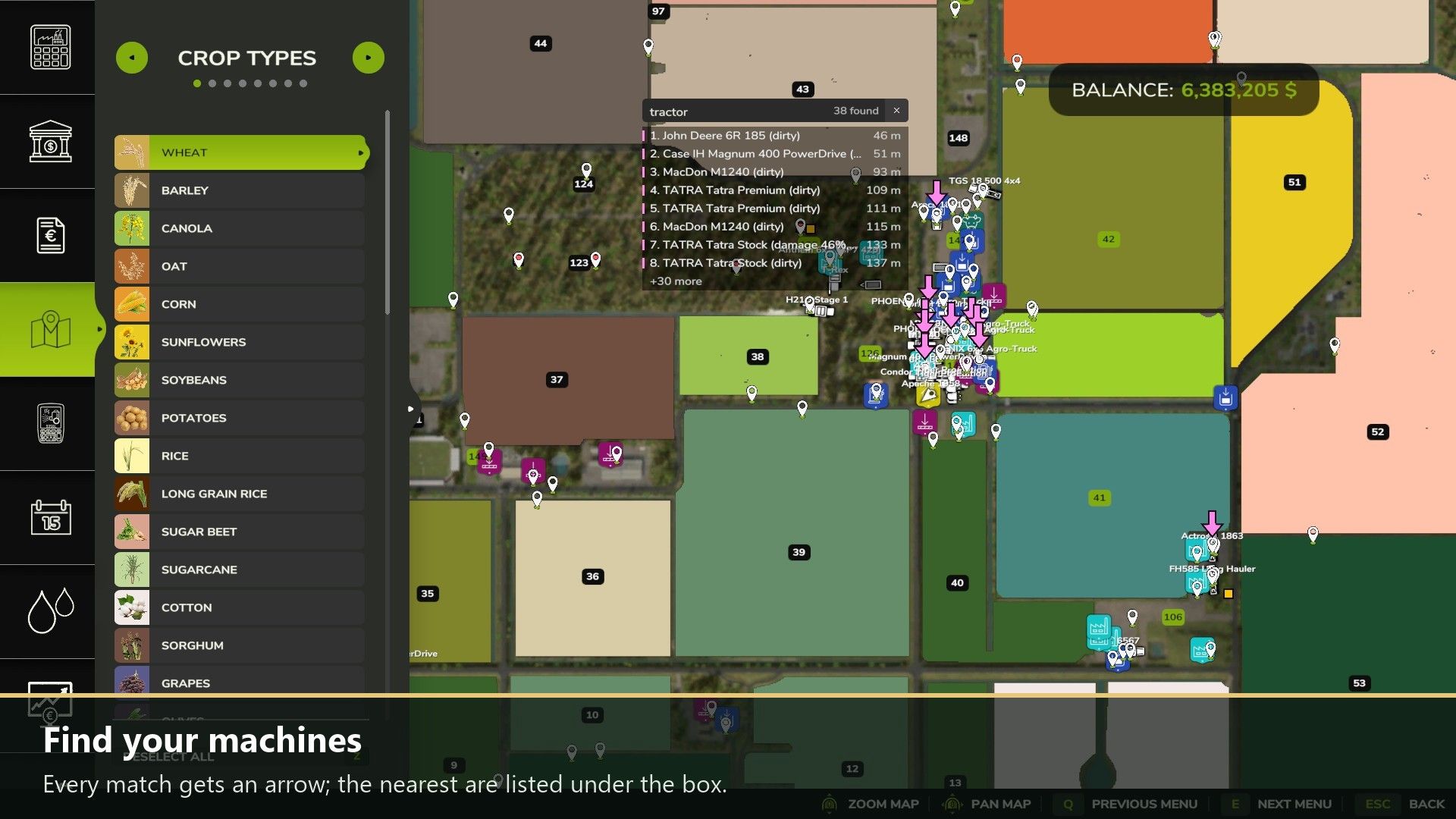
Search boxes right on the shop, construction and map screens. Click the box and type: the list updates as you type. Where’s My Stuff is built in.
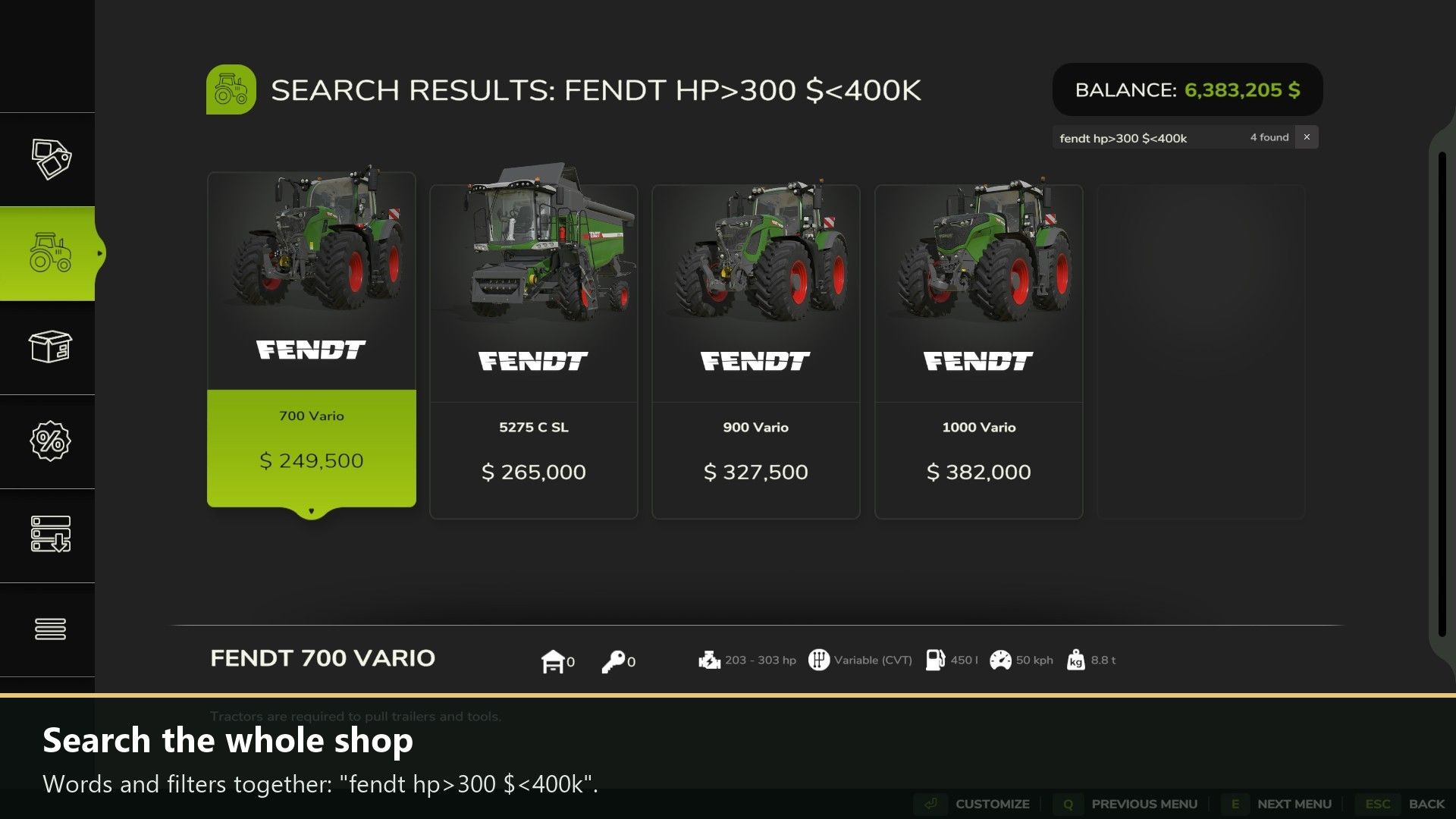
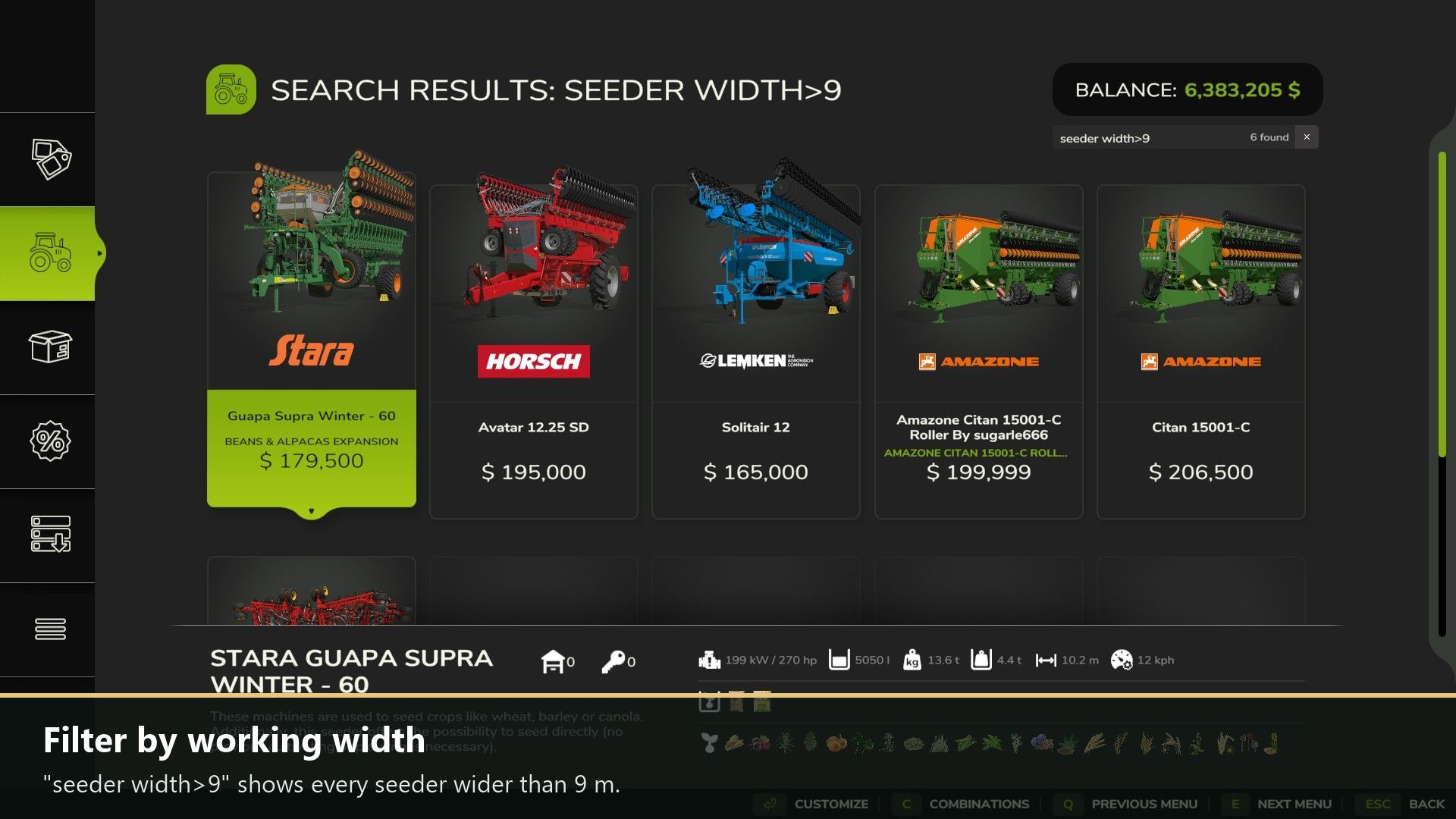
Shop: filter a category or brand, or search the whole shop, also by brand, DLC, mod name and mod author.
Spec filters: price ($<50k), horsepower (hp>200), working width (width>9), capacity (l>30000), weight, speed, power needed and “affordable”, mixed with words: “fendt hp>300 $<400k”.
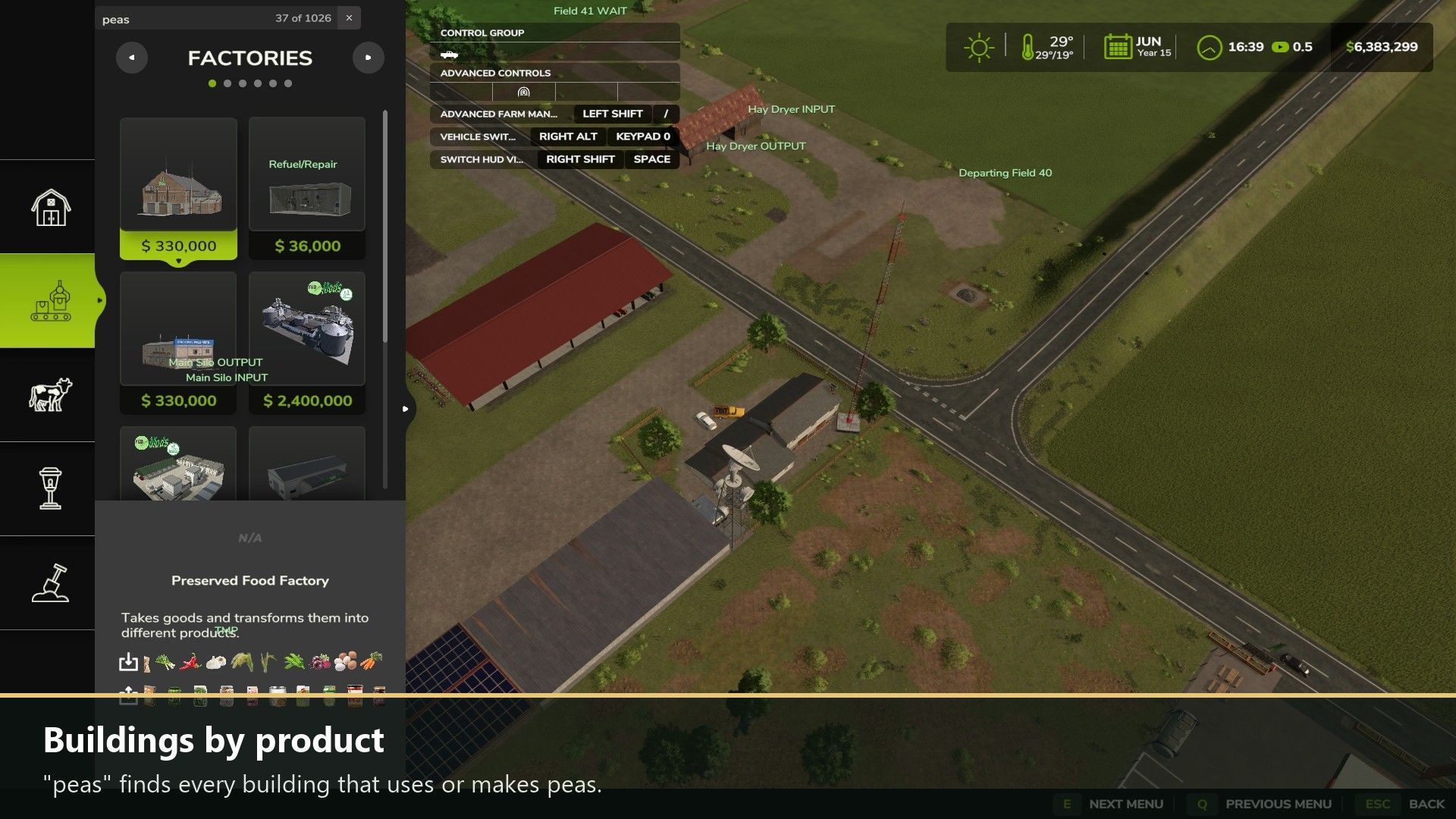
Construction: filter the buildings in every category and tab by name or product: “peas” finds every factory that uses or makes peas.
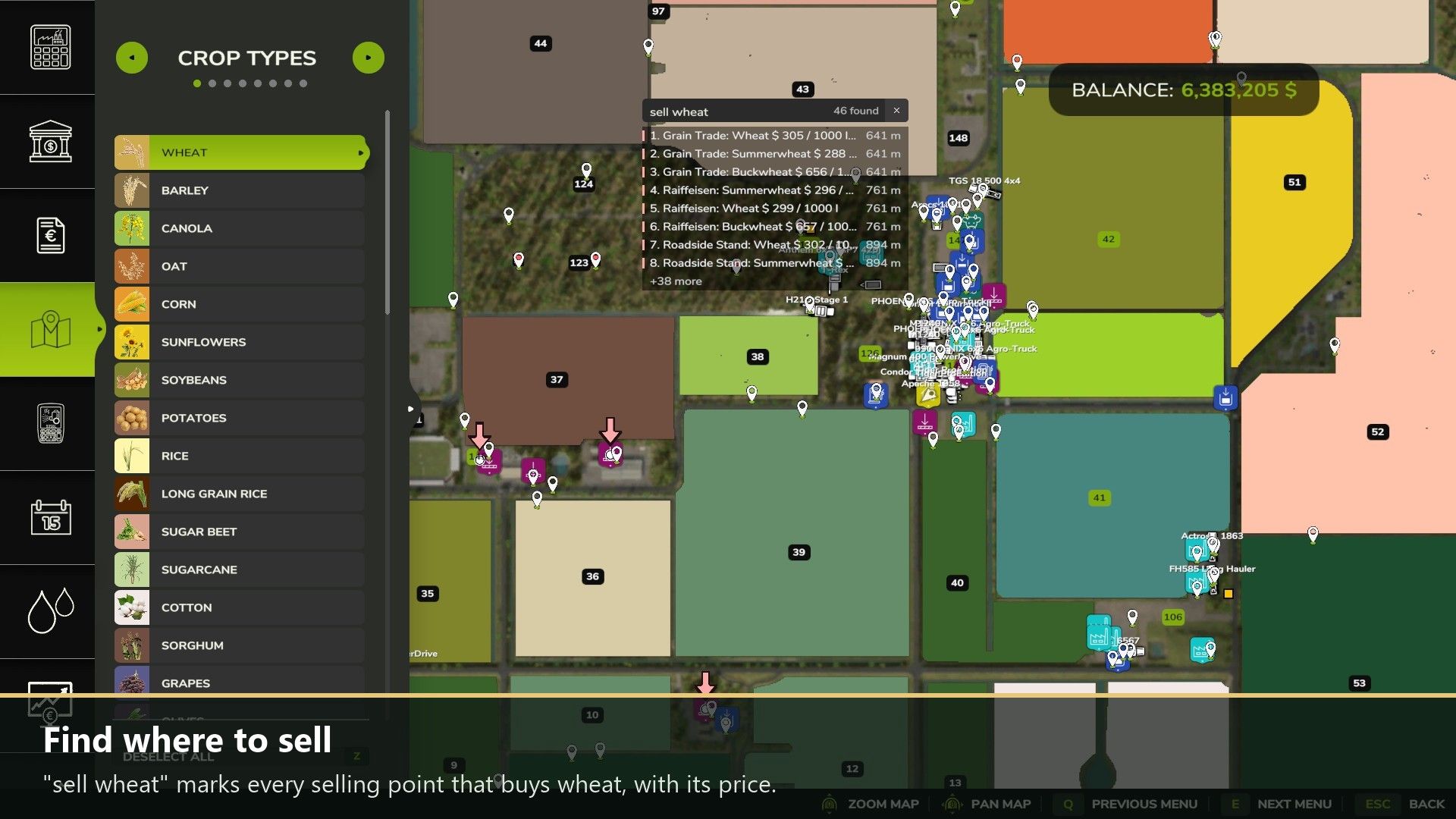
Map: find your vehicles (also by license plate), bales, pallets, buildings, fields and properties. Every match gets an arrow, and the nearest are listed under the box.
Map searches like “wheat ready”, “sell wheat” (best price marked), “for sale $<100k ha>5”, “contract”, “fuel<20” and “stored wheat”.
Settings > Controls gets a search box too.
How to use: Ctrl+F (or a right stick click on a controller) jumps into the search box. Enter keeps the search, Esc clears it. Everything is explained in the game’s Help menu under Searchables.
Changelog 1.8.2.3:
The author now shows as DTM Mods, Fennell in the mod list.
A search with a field state (“wheat ready”, “growing”, “withered”, “harvested”) now only looks at fields.
On maps without wheat fields, “wheat ready” no longer lists production points.


