Random World Events V2.1.0.0

Random World Events V2.1.0.0
Random World Events v2.0.0.0 is now live — this is a full rewrite for Farming Simulator 25.
The biggest addition is a complete wildlife event category that was missing from the initial release. You’ll now get bird flocks damaging your crops, wild stampedes, predator alerts stressing your livestock, bee swarms boosting pollination, rabbit infestations, disease scares, hunting season price bonuses, and more — 10 new events in total.
The event engine has also been fixed under the hood. Vehicle speed boosts now correctly persist for their full duration, the field events trigger guard has been corrected so field events actually fire on all maps, and the double-registration bug that caused wildlife events to silently overwrite special events has been resolved.
The settings screen can now be opened with F3 at any time during play, or by typing rweSettings in the console. F9 still force-triggers a random event for testing. Both keys are rebindable through the game’s keybinding menu.
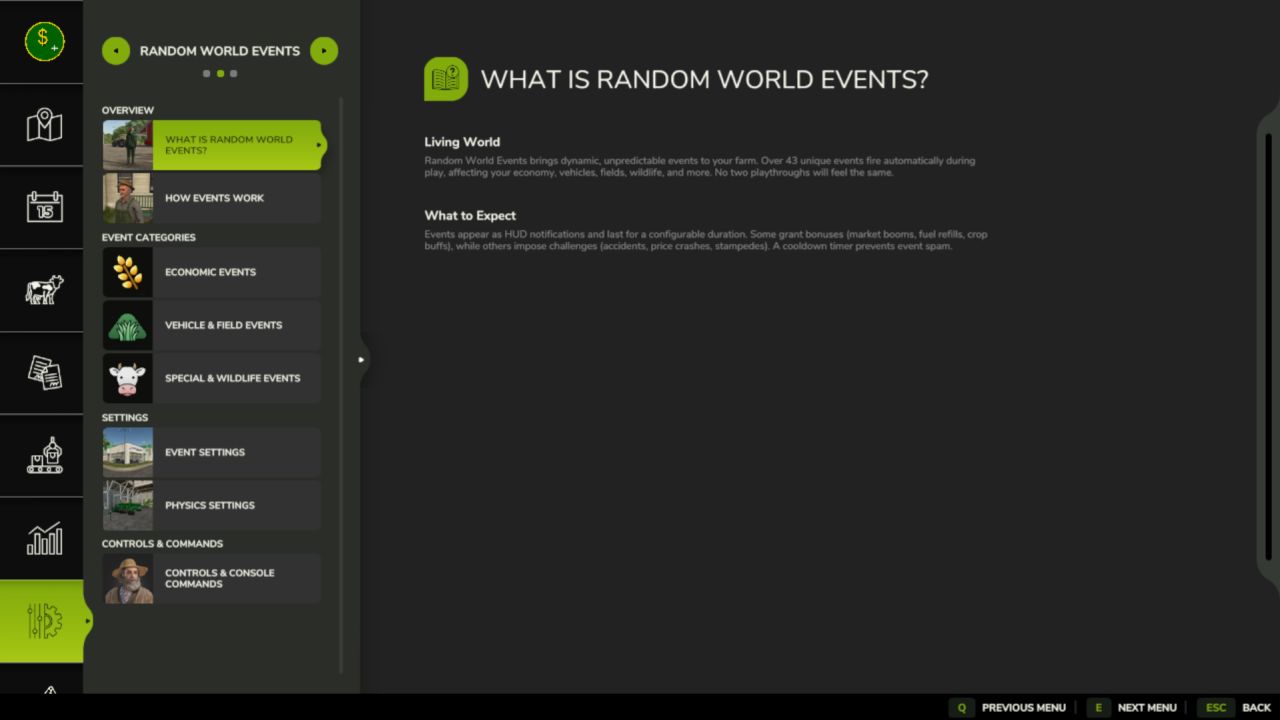
A help section has been added to the pause menu under Help > Random World Events, covering how the event system works, what each category does, how to configure frequency and intensity, and a full list of console commands.
Total events: 53 across five categories — Economic (15), Vehicle (8), Field (10), Special (10), Wildlife (10).
(more screenshots will be provided in next update)
V2.1.0.0
The events system got a full visual upgrade this update. The settings page was crashing for some players, F3 did nothing, and there was no good way to see what was happening in-game at a glance.
What’s new:
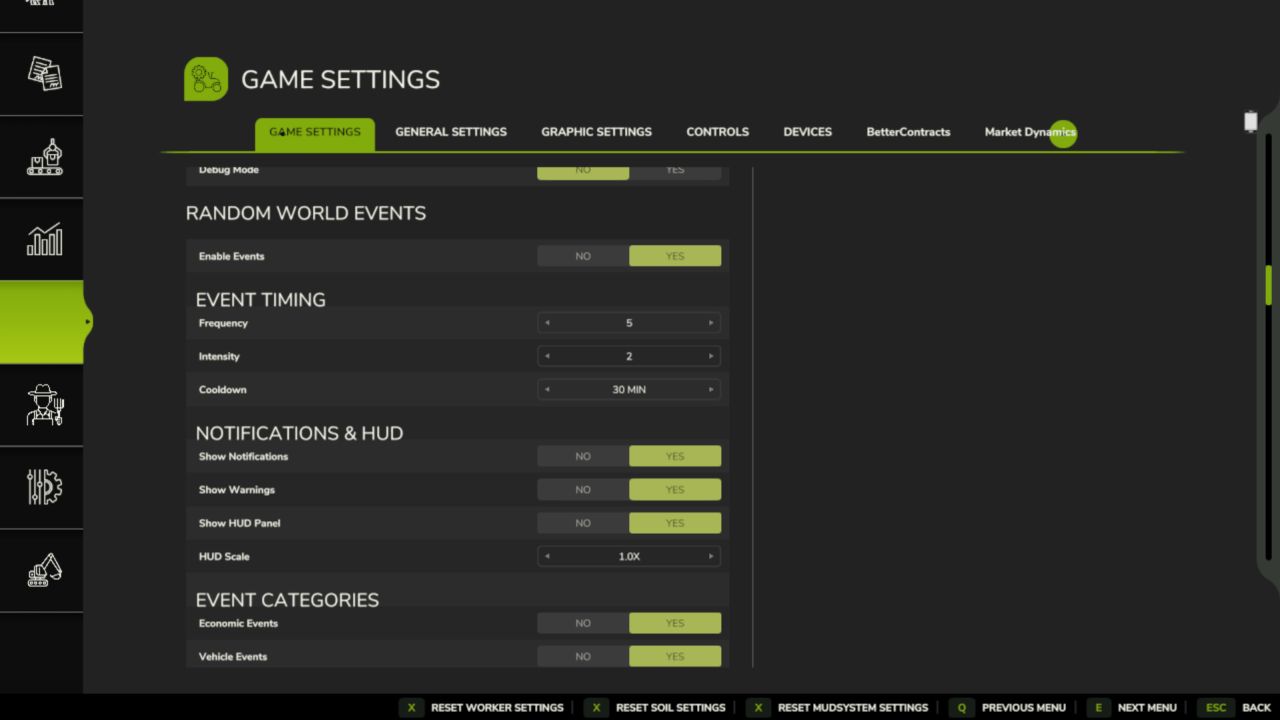
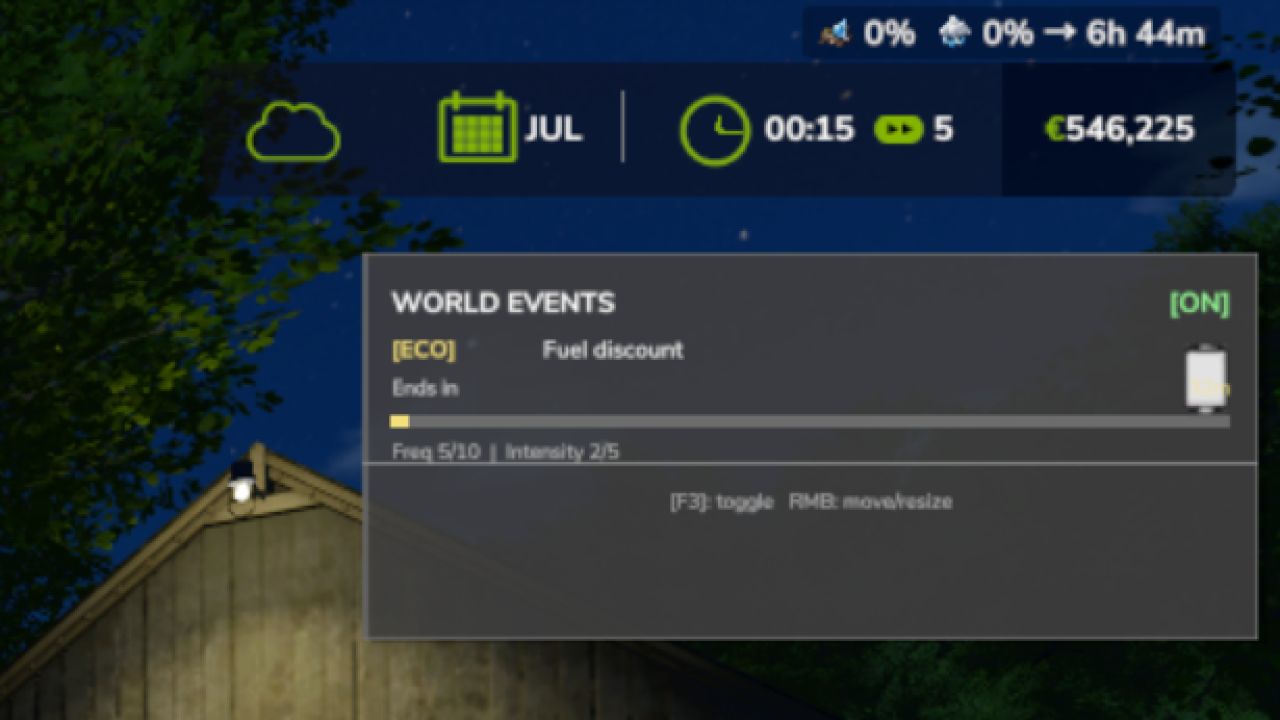
New HUD panel shows your active event, category, time remaining, and cooldown Event pop-up notifications flash on screen when something happens Drag and resize the HUD panel wherever you want — position saves automatically F3 now correctly toggles the HUD on/off Settings page is reorganized into clean sections: Timing, HUD, Categories, Physics, Debug
Cooldown now shows in plain minutes (5 min, 30 min, etc.)
New HUD Scale setting (0.6x to 1.8x) applied live from the settings page
What’s fixed:
Settings page crash when hovering over options — now stable
Physics and Debug headers overlapping other settings
Gray box artifact appearing in the settings layout
F3 hotkey was silently doing nothing due to an internal input bug
All event API files were missing from the mod zip in previous versions
No save migration needed existing saves load as normal.