Crop Control Override V2.0.0.0


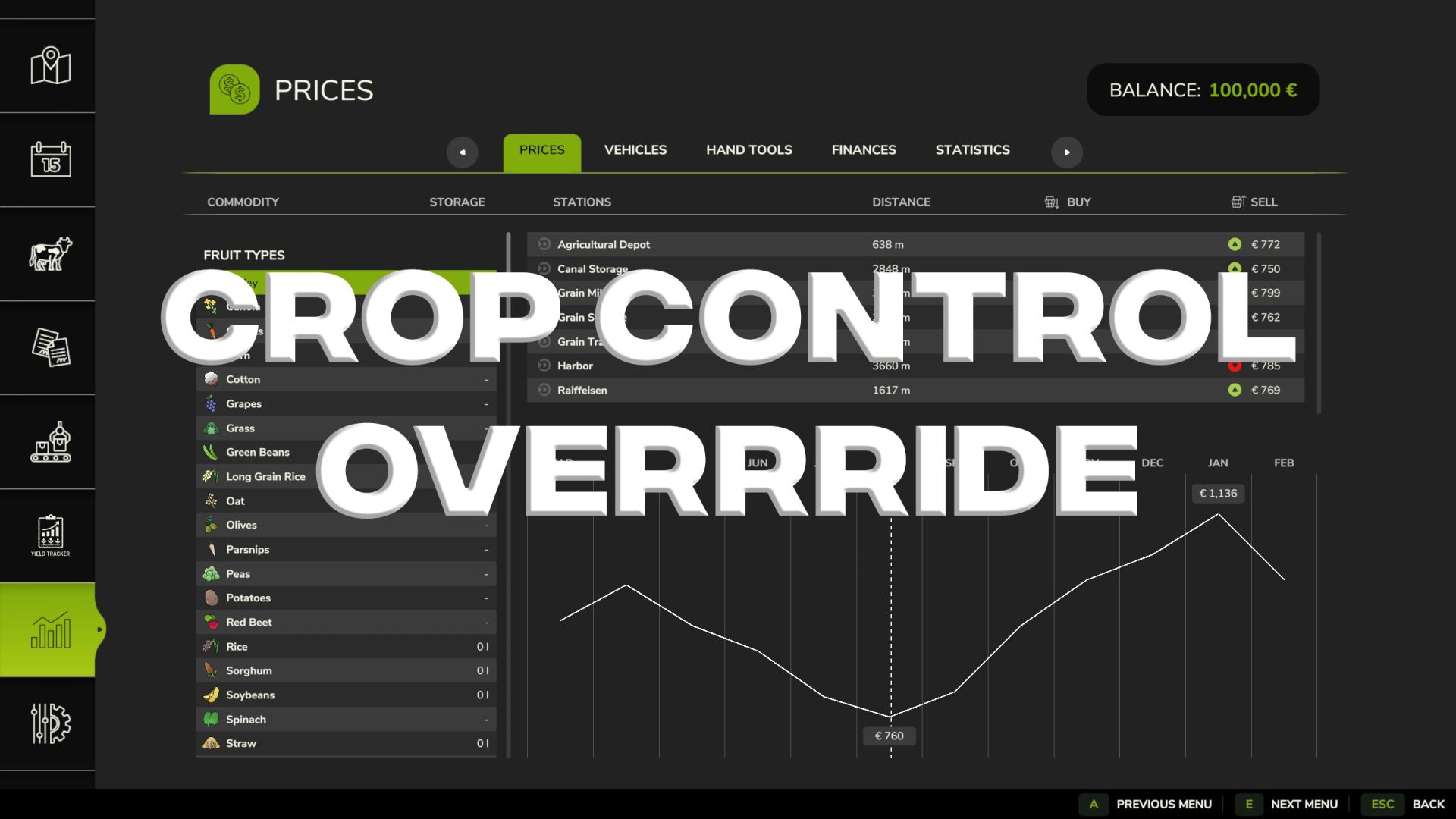
Crop Control Override V2.0.0.0
A lightweight Farming Simulator 25 script mod that disables selected crops for AI use globally — without editing the base game or map XMLs. Configuration is externalised to modSettings, with per-save files supported.
Features
Disable crops for AI: prevents them from being used in field jobs (useForFieldJob = false).
Template + per-save configs
Template: modSettings/FS25_CropControlOverride/config.xml
Per-save: modSettings/FS25_CropControlOverride/saves/<saveId>.xml
Automatic config creation on first run (seeded from the map’s currently registered fruit types).
Safe XML I/O via GIANTS XMLFile API (no io.open for config).
Console helpers:
ccoReload — re-read and apply the current save’s config.
ccoWhichConfig — show which XML file is being used right now.
ccoListAI — list all fruit types with their current useForFieldJob flag.
How it works
Hooks into FSBaseMission:loadMapFinished and applies AI toggles once all fruit types are registered.
Ensures a template exists at (a template is available for download from this repository, but is not included within the mod ZIP):
Documents/My Games/FarmingSimulator2025/modSettings/FS25_CropControlOverride/config.xml
Ensures a per-save config exists at:
Documents/My Games/FarmingSimulator2025/modSettings/FS25_CropControlOverride/saves/.xml
The per-save file (if present) is always used. The template is only a fallback/seed.
V2.0.0.0
With this release, the Beta branch 2.0.0 is promoted to the stable main version after successful public beta tests and without negative feedback.
“Crop Control Override” is a mod for managing crop type policies for Farming Simulator 25, which works per save game. It allows players to control which crop types are permitted for themselves and for NPC farmers, and whether cultivation by NPCs should depend on field size.
Version 2.0.0 is a major update that focuses on the in-game user interface (GUI), game-specific rules for fruit types, the validation of NPC fields, and cleanup processes for blocked fields.
Highlights:
Custom GUI in FS25 style.
XML configuration per save game.
Setting of allowed crop types for players and NPCs.
Optional limit on the maximum field size for NPCs per crop type.
Toggleable visibility for unloaded crop types.
Validation tab for blocked NPC fields.
Resetting blocked fields at the field level.
Support for reset modes:
CULTIVATED (cultivator state),
RESEED, SEASONAL (seasonal reseeding).
Detection of seasonal reseeding candidates based on FS25 growth data.
Support for reseeding during the grass life cycle.
XML-configurable weighting for reseeding candidates.
Deterministic, weighted selection for reseeding.
Test run function before confirmation.
Diagnostic console commands.
Validation and cleanup of NPC fields
CCO can now detect NPC fields that no longer comply with the active crop type policy.
Blocked fields can occur due to:
Deactivating a crop type.
Deactivating the use of a crop type by NPCs.
Exceeding the maximum field size configured for NPCs for a crop type.
Existing NPC fields with crop types that are no longer permitted according to the current rules.
The Validation tab allows you to review blocked fields before taking action.
Reset Modes:
The reset process supports two modes.
CULTIVATED: Resets blocked NPC fields to the “cultivated area” state.
RESEED SEASONAL: Resets blocked NPC fields and attempts to replant them with a permitted seasonal replacement crop (based on the current growth period, loaded crop type data, CCO policy, and field size restrictions).
If no suitable crop type is available, CCO reverts to the “CULTIVATED” mode.
Per-Save Configuration:
CCO saves crop type rules per save game. This allows the use of different policies on different maps or in role-playing save games without having to directly modify the map itself. The current save game configuration is stored here:
modSettings/FS25_CropControlOverride/saves/savegameXX.xml
The default template is located here:
modSettings/FS25_CropControlOverride/config.xml
Recommendation before updating:
As with all mods that can change the status of fields, you should back up your save game before using functions to reset blocked fields or reseed.
The user interface offers a test run step before confirming reset actions; this should be used before making changes to existing NPC fields.
Note:
Older alpha and beta versions are retained for archival purposes only. This is the now recommended stable version for regular use.