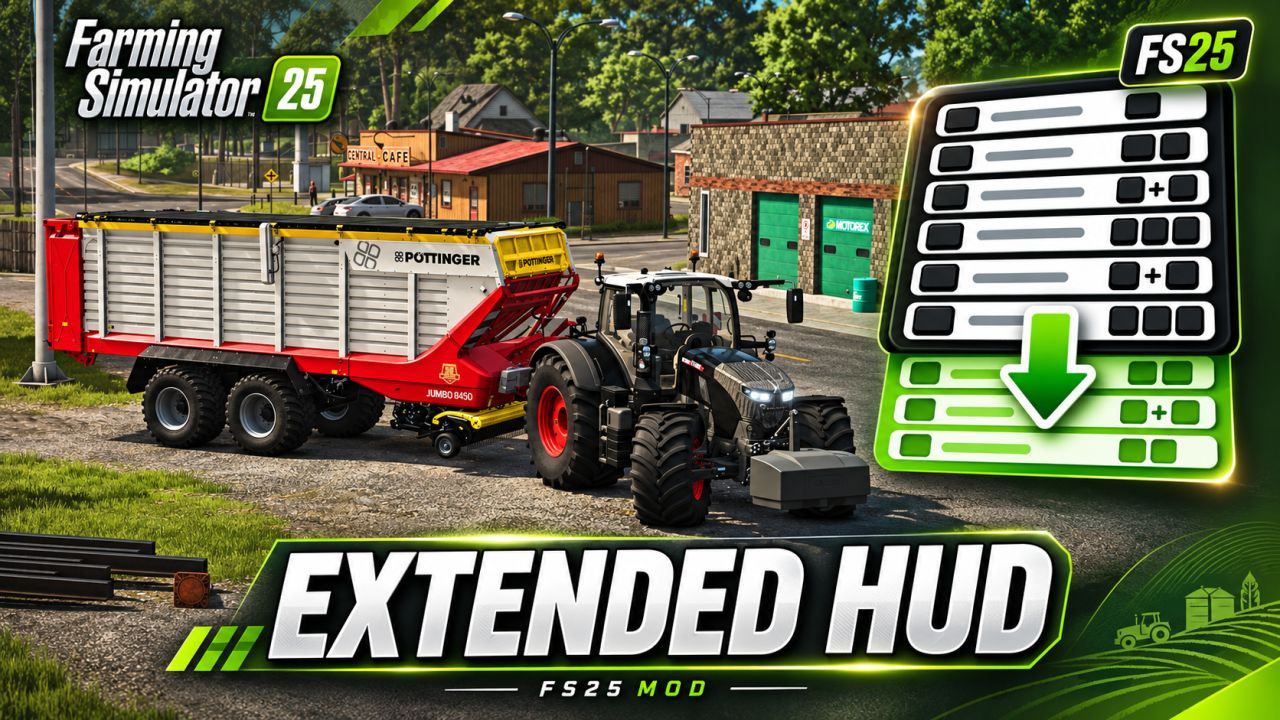
Extended HUD V1.0.0.0

FS25 Other

Extended HUD V1.0.0.0
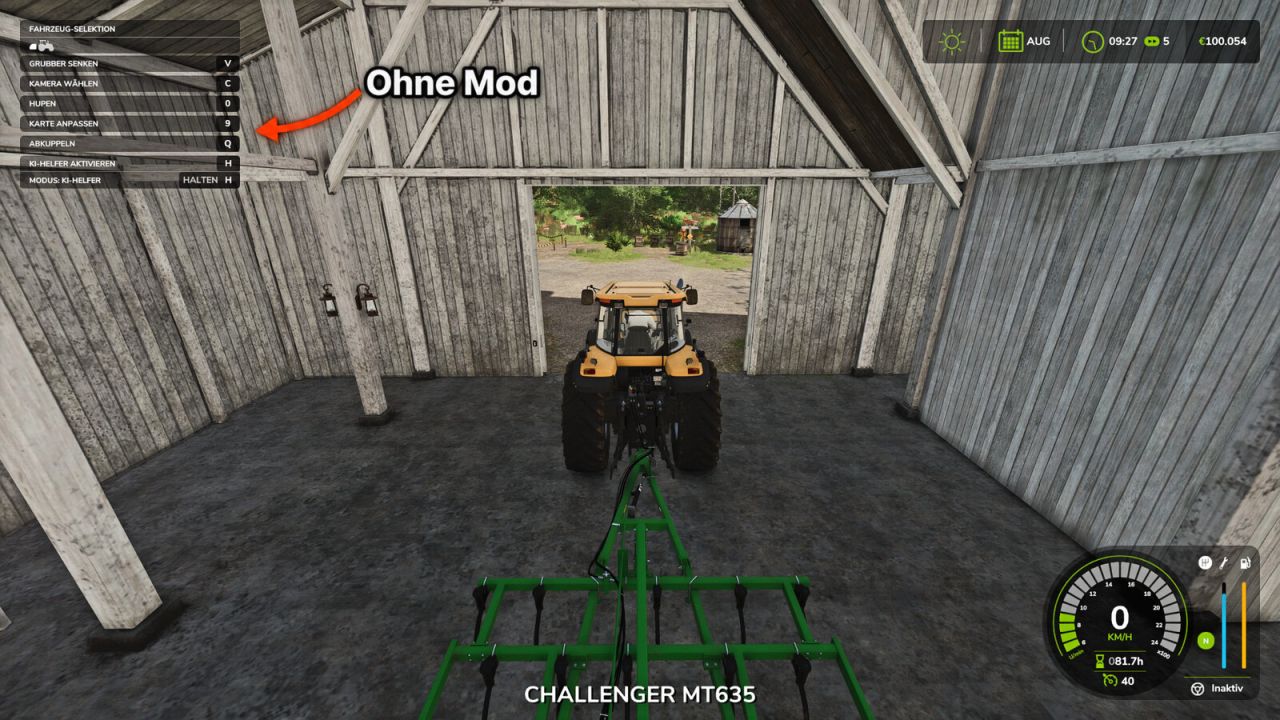

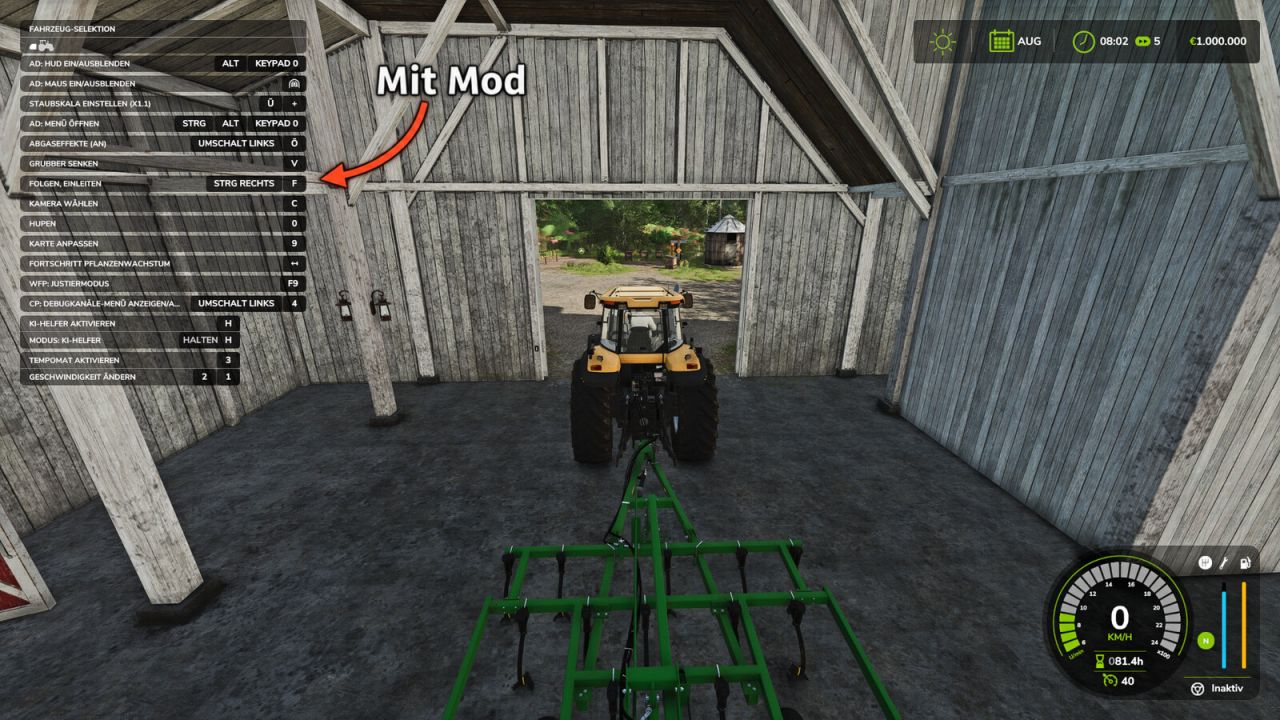
More overview in Farming Simulator 25!
In the standard game, the F1 help window only shows a small selection of the available actions. Extended HUD expands this display so you can see all key bindings for the current vehicle and implement directly, including those from other mods such as AutoDrive or Courseplay.

Features:
Displays significantly more entries in the F1 help window
Key bindings from other mods are also displayed
No more lengthy searches in the control settings
Ideal when using many mods and new vehicles

Controls:
F1 – Show/hide the help window (as usual)

Multiplayer:
Works in single-player and on servers.
Version 1.0.0.0 – Initial release

Author:
MrMorty92


What is FS25 mod use for:

Have you ever tried using Farming Simulator 25 mods? If not, it’s high time you do. This is the perfect place to find everything that you need to know! Farming Simulator 25 Mods will have a huge impact on your initial game. We are not saying that the original game is not good enough, but there is always room for improvement and extra challenge. We believe that you might want some more tools, more extensive choice of vehicles and other elements in your game. Also, the game itself provides you with different mods in order to solve disturbing bugs. Overall, FS25 / FS22 mods help to lift the experience of the game, which makes it more interesting. LS 25 / 22 mods will enable you to create your own specific and unique experience and since there are many different FS25 / FS22 mods, you can slowly introduce them into your game and make it completely your own. On the plus side, the LS 25 / 22 mods are all completely free, so don’t be afraid to try them out because you will not be charged any hidden fees. So, now you should definitely be convinced to download Farming Simulator 25 / 22 mods and begin customize your game!


You may also like...

Leave a Reply

Your email address will not be published. Required fields are marked *