Mouse Steering V1.4.0.0

Mouse Steering V1.4.0.0
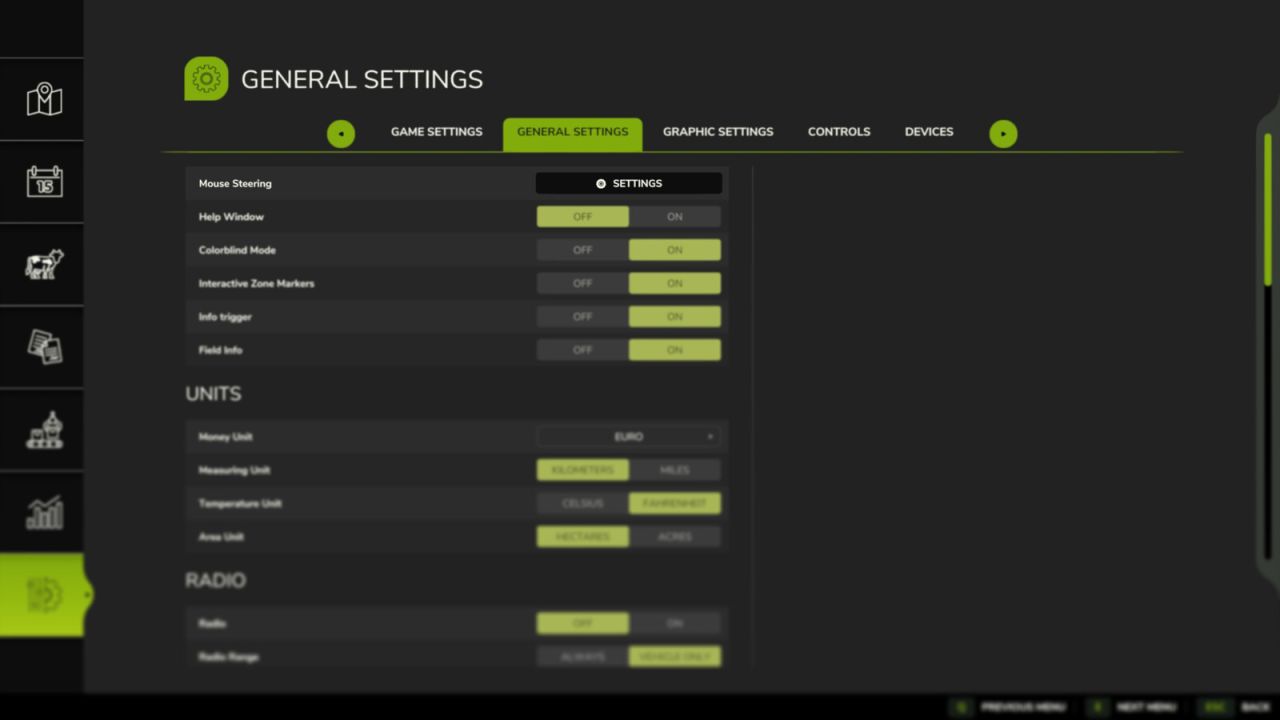
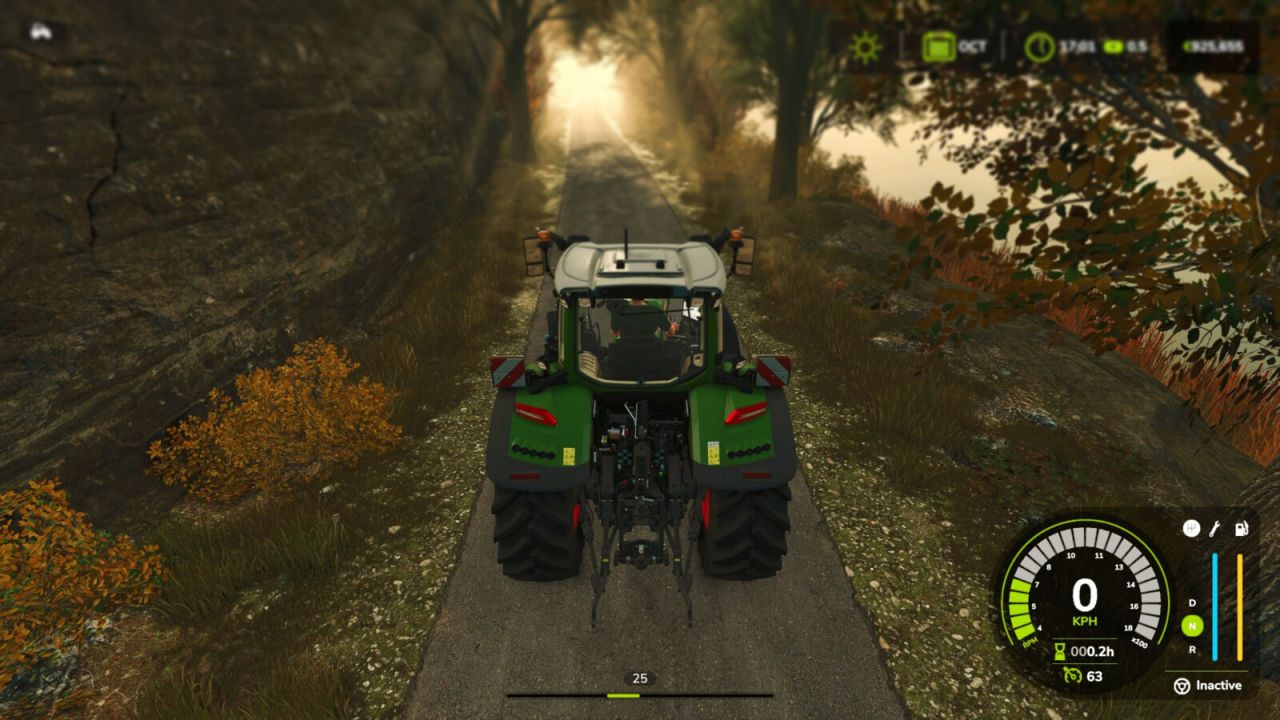
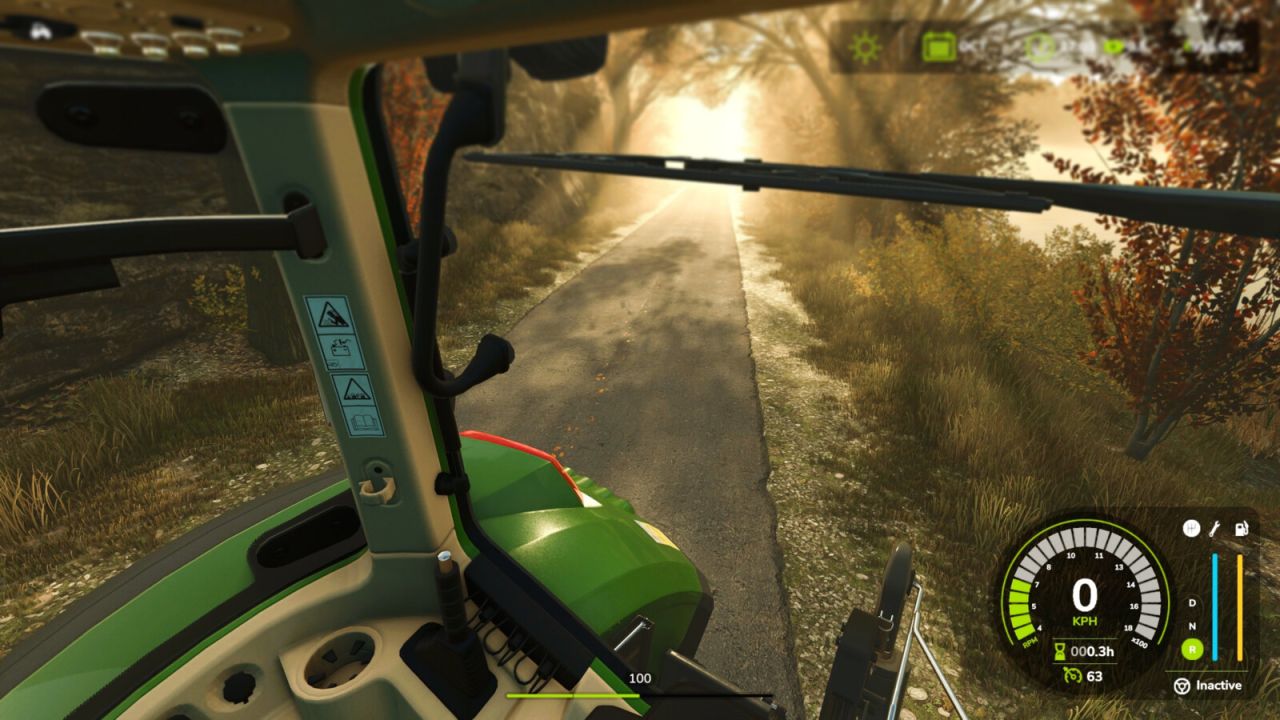
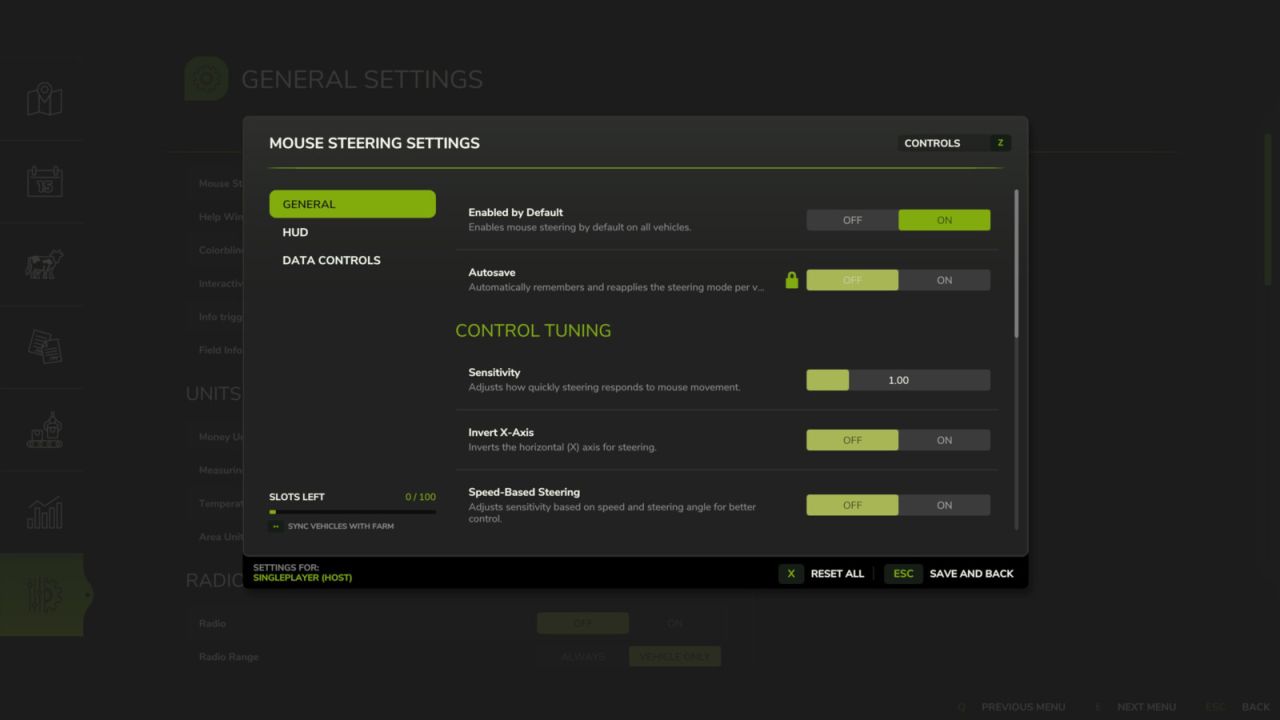
Steer your vehicles with the mouse for a more natural and fluid driving experience. Easily customize sensitivity, linearity, and dead zones via the settings button in the general settings menu. Features include a clear HUD indicator, speed-adaptive steering for better precision at high speeds, and an automatic camera-follow system.
Hotkeys:
Press Left Ctrl + . to toggle Mouse Steering.
Press Left Ctrl + , to toggle Camera Follow Steering.
Press Left Ctrl + SPACE to center camera or double-click to look back.
Hold Left Alt key to rotate camera with mouse.
Press Left Ctrl + / to save/remove steering as default for the current vehicle.
Use Mouse Wheel to adjust vehicle speed when active.
V1.4.0.0
Added an alternative Pedal % mode for mouse speed control
Added a separate camera settings page to the settings dialog
Added optional automatic camera centering while following steering
Added client-side smoothing for first-person steering wheel movement in multiplayer
Added mouse steering support for vehicles with differential steering
Improved camera rotation state handling and smoothing
Improved mouse steering input processing for smoother and more consistent steering
Improved mouse wheel input handling to prevent conflicts with camera zoom and other actions
Improved steering synchronization when joining a multiplayer game or re-entering a vehicle
Improved multiplayer synchronization and vehicle state handling
Fixed unwanted camera centering when camera follow is reactivated
Various stability improvements and bug fixes