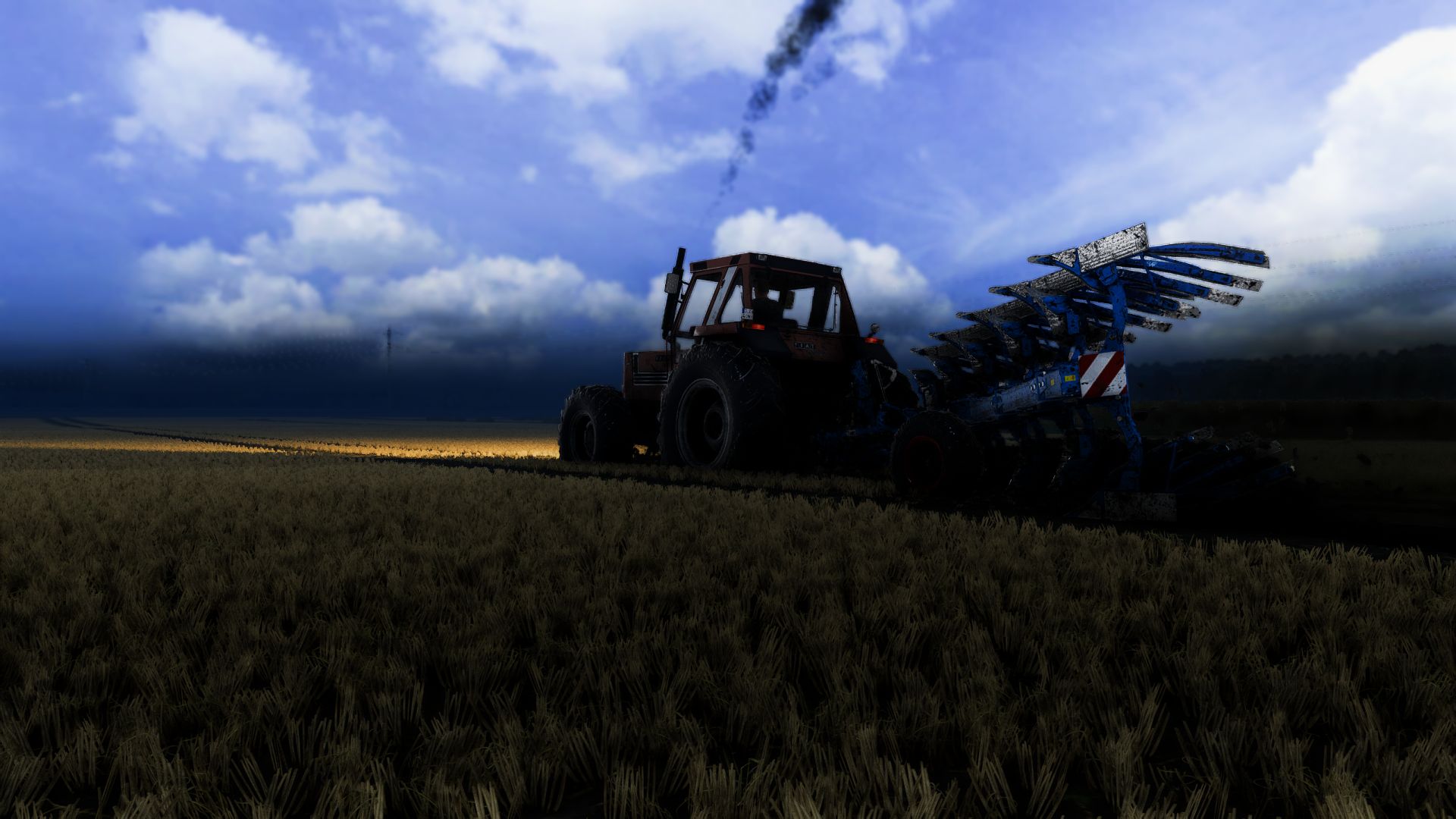
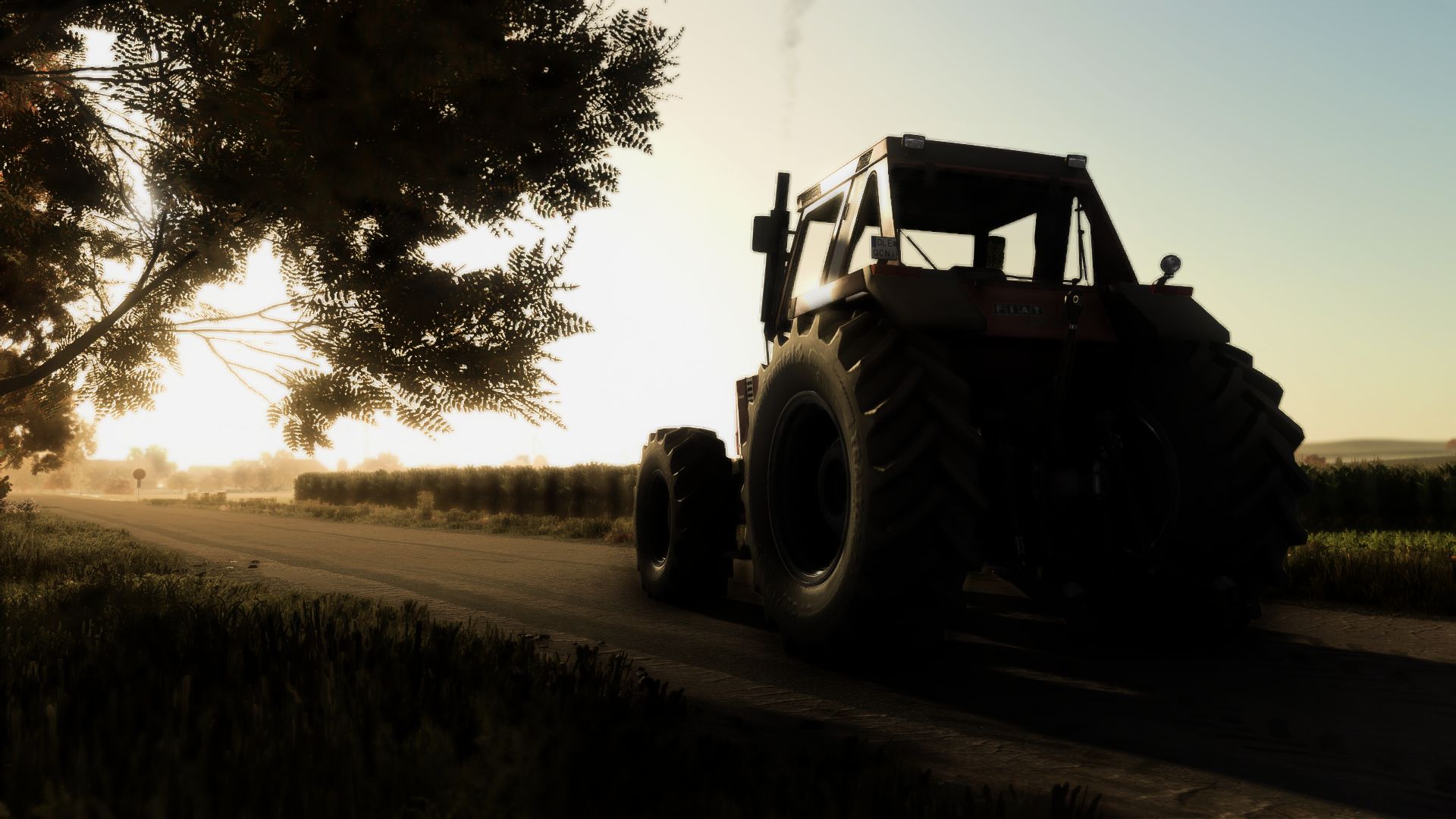
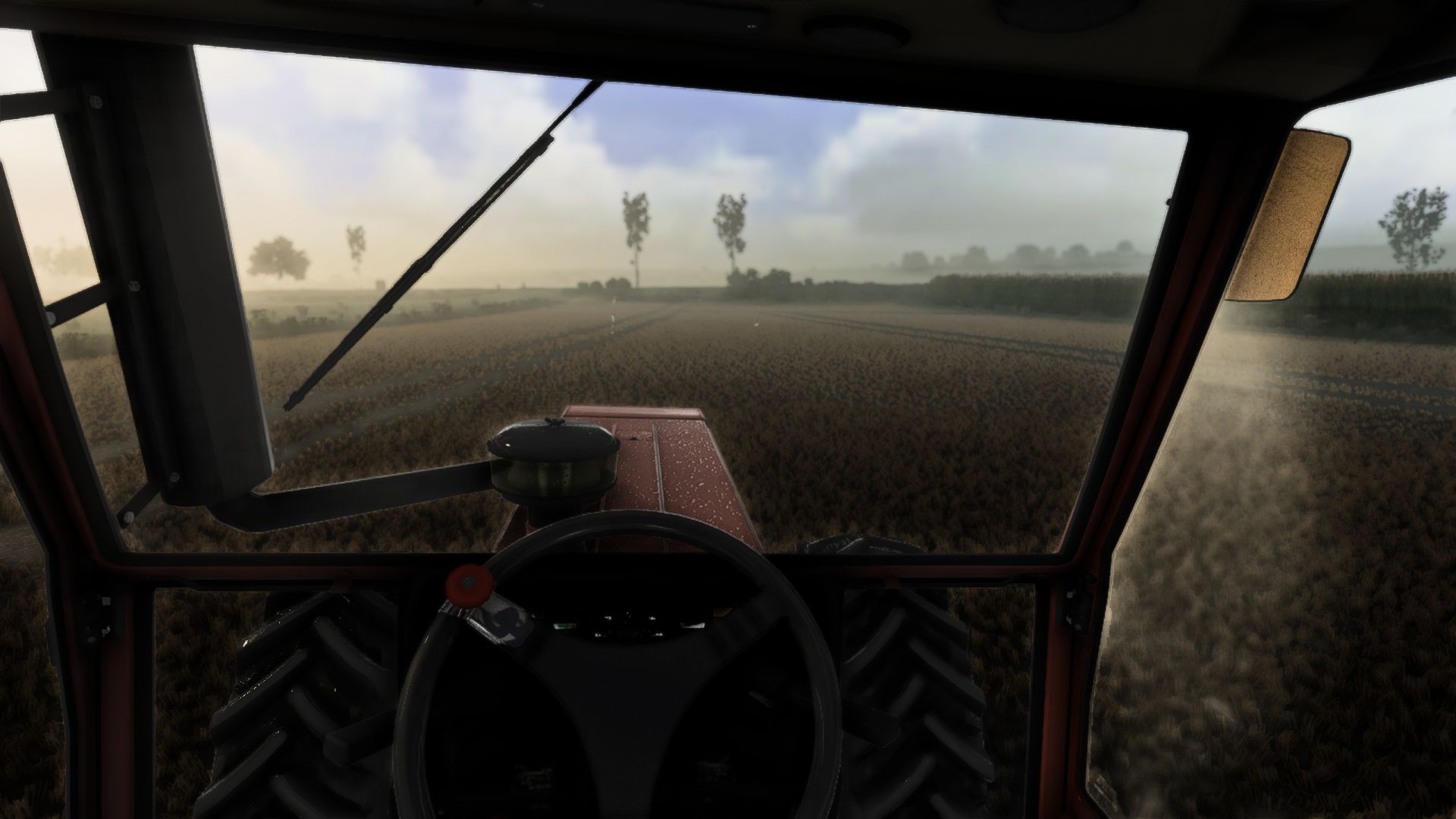
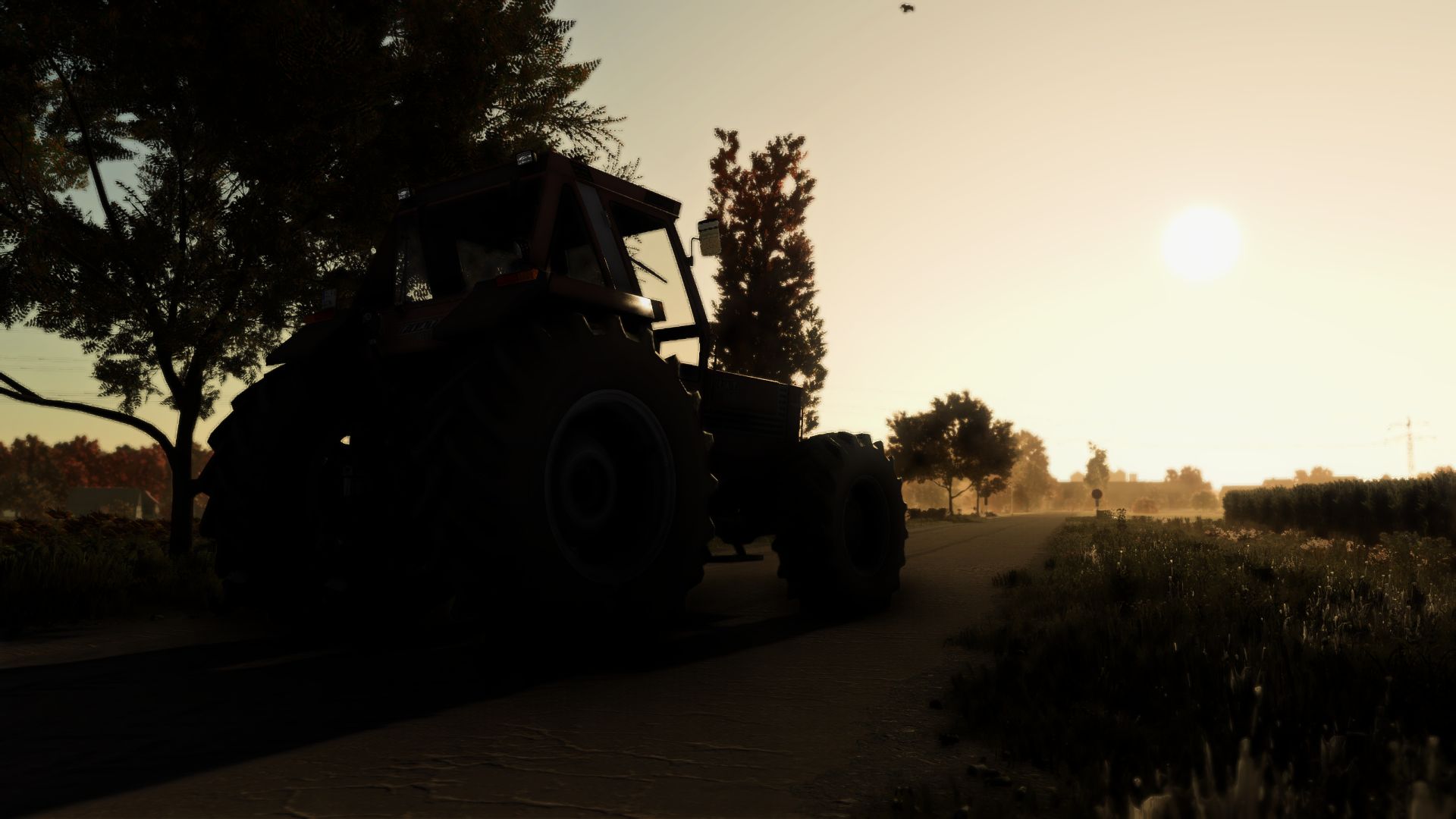
Next Realsim Reshade Lighting V1.0.0.0

FS25 Other

Next Realsim Reshade Lighting V1.0.0.0


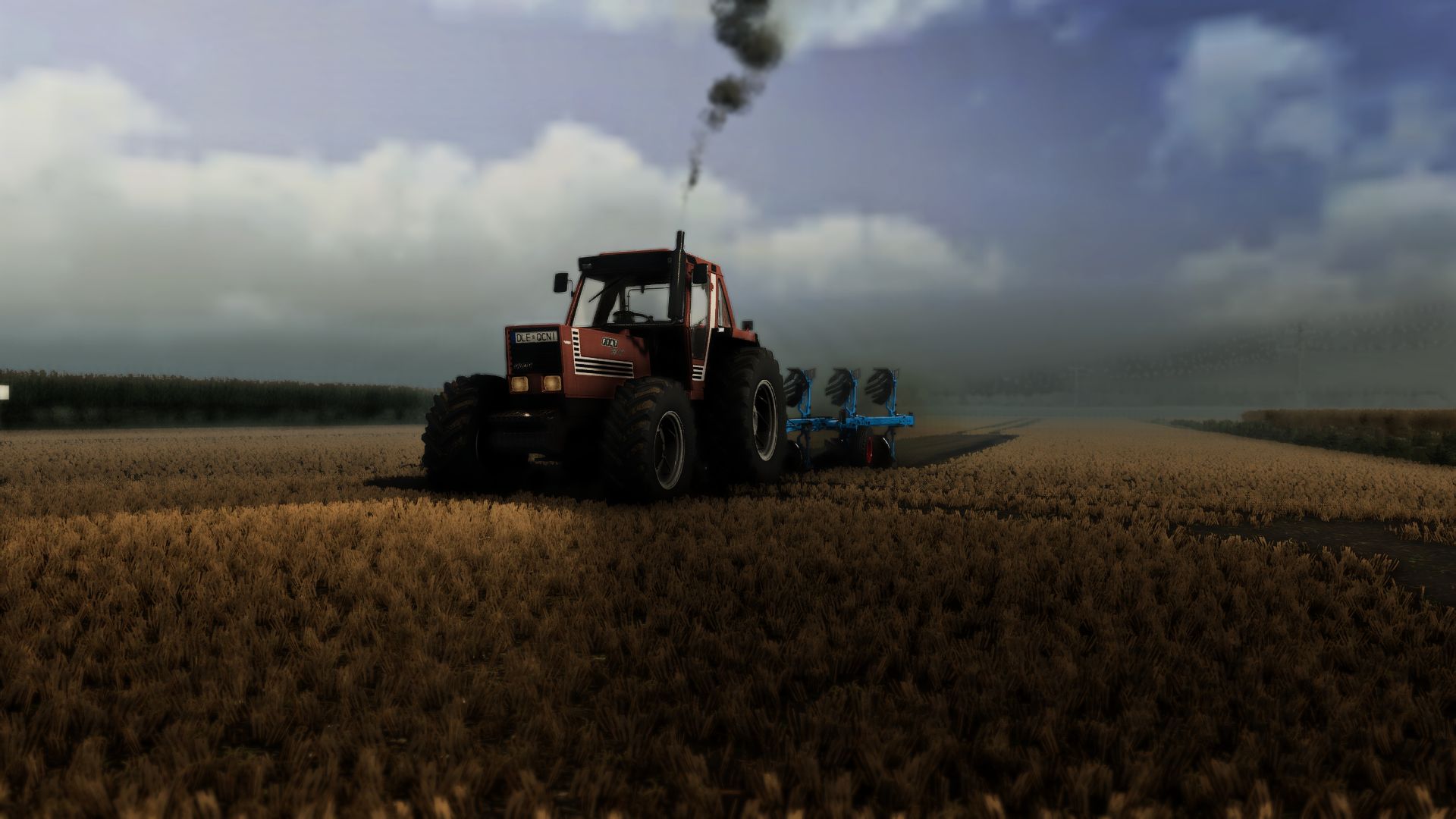
Hi,enjoy the preset and happy farming!
1. Install ReShade (reshade.me) for FarmingSimulator2025.exe (select DirectX 10/11/12).
2. Extract the ZIP file:
– Copy the .ini file into the ‘x64’ folder next to FarmingSimulator2025.exe.
– Copy the ‘nextrealsim’ folder into modsettings -> additionalsetting -> lighting.
3. Launch the game and press HOME (or POS1) to open the ReShade menu.
4. Select the .ini file from the top drop-down menu and click ‘Select’.

More versions coming soon!
Enjoy the preset and happy farming!
Author:
BalintHun12


What is FS25 mod use for:

Have you ever tried using Farming Simulator 25 mods? If not, it’s high time you do. This is the perfect place to find everything that you need to know! Farming Simulator 25 Mods will have a huge impact on your initial game. We are not saying that the original game is not good enough, but there is always room for improvement and extra challenge. We believe that you might want some more tools, more extensive choice of vehicles and other elements in your game. Also, the game itself provides you with different mods in order to solve disturbing bugs. Overall, FS25 / FS22 mods help to lift the experience of the game, which makes it more interesting. LS 25 / 22 mods will enable you to create your own specific and unique experience and since there are many different FS25 / FS22 mods, you can slowly introduce them into your game and make it completely your own. On the plus side, the LS 25 / 22 mods are all completely free, so don’t be afraid to try them out because you will not be charged any hidden fees. So, now you should definitely be convinced to download Farming Simulator 25 / 22 mods and begin customize your game!


You may also like...

Leave a Reply

Your email address will not be published. Required fields are marked *