Vehicle Seat Controls V1.0.0.0

FS25 Other

Vehicle Seat Controls V1.0.0.0
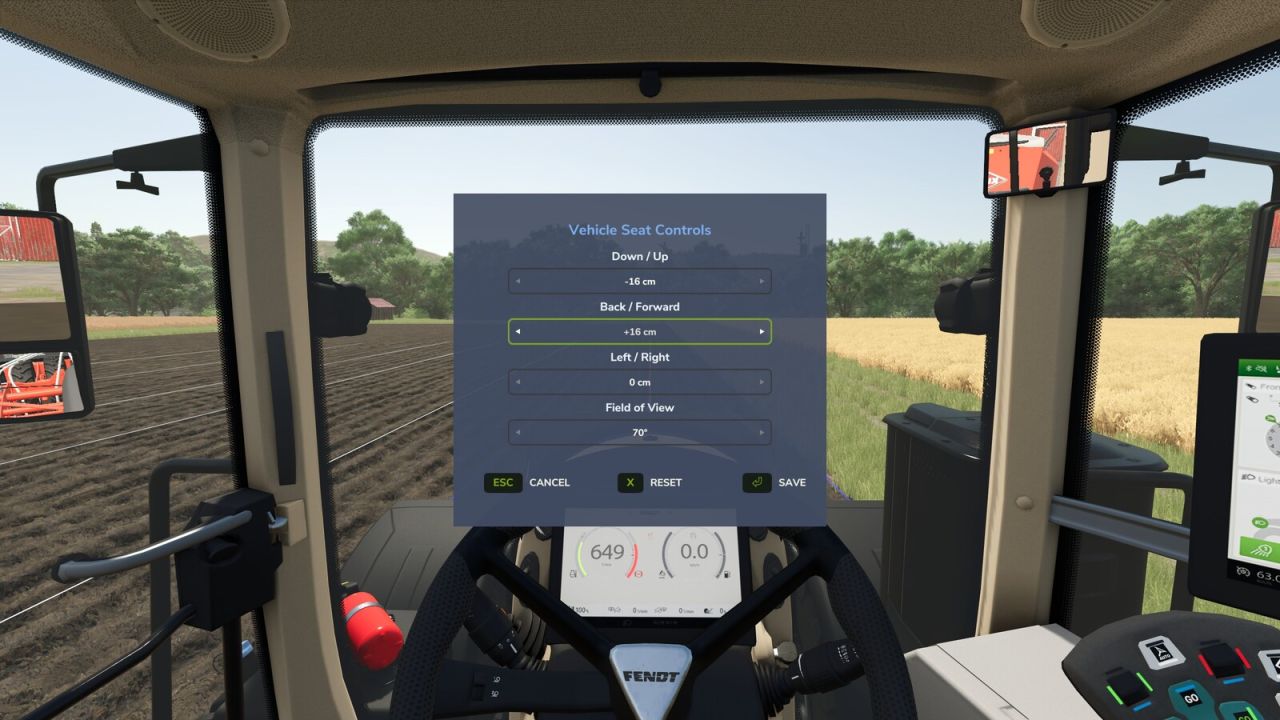

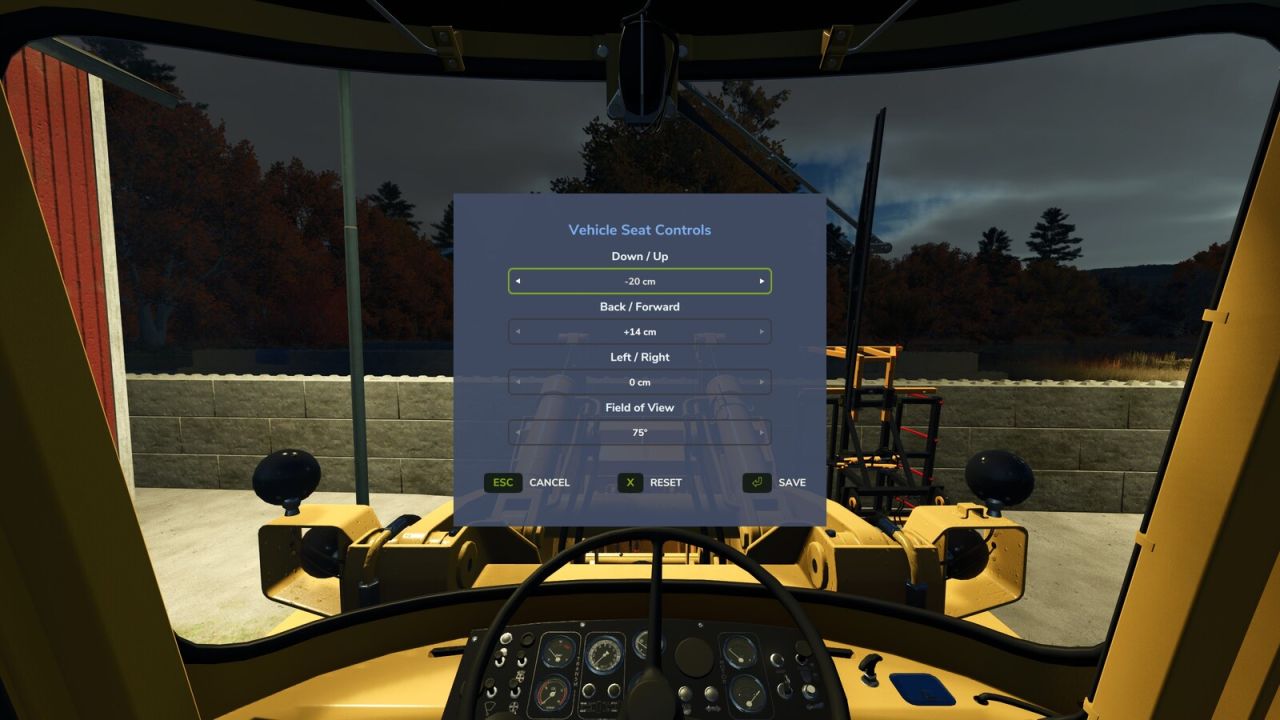
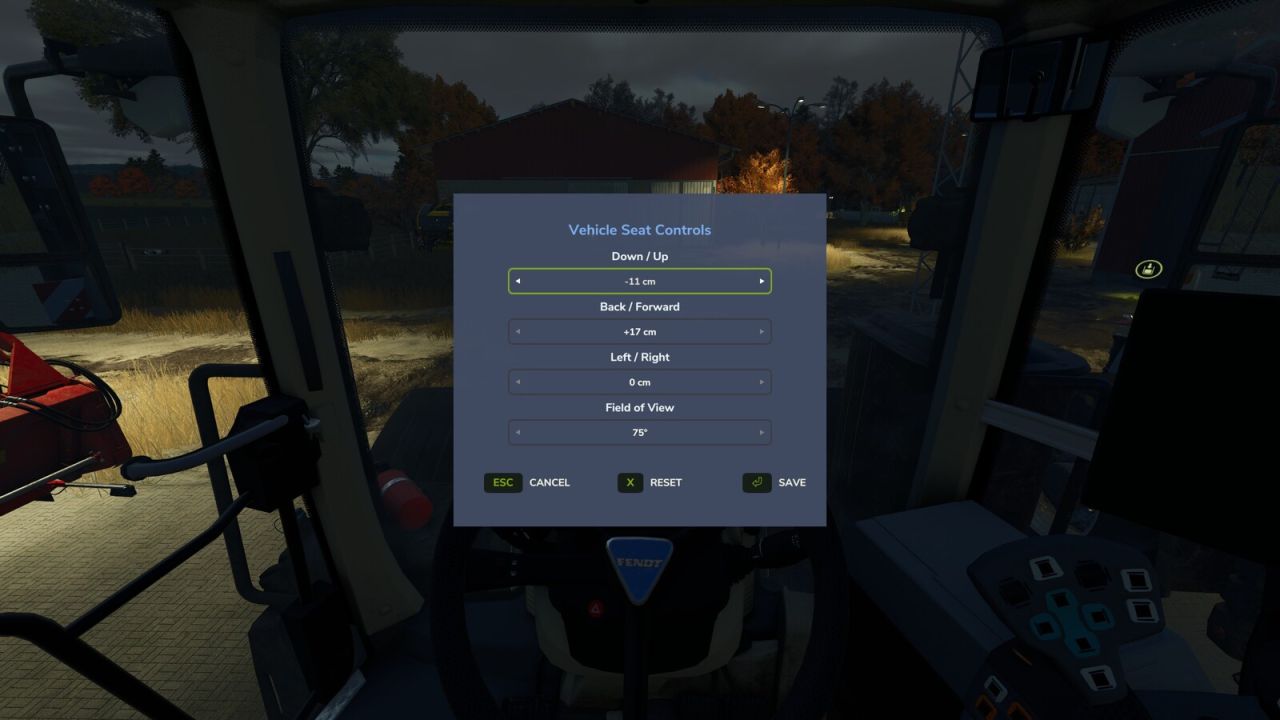
Adjust the indoor (cab) camera position and field of view of your vehicles.
While seated in a vehicle, press Numpad – (rebindable in Settings > Controls) to open the Vehicle Seat Controls window.

Use the arrow selectors to set:
Up / Down
Forward / Back
Left / Right
Field of View (zoom)

Changes preview live on the cab. Press Save to keep them, Reset to recenter, or Cancel to discard.
Want to look around while you adjust? Click and hold the left mouse button anywhere outside the window and drag to freely glance around the cab – the menu stays open the whole time, so you can line up the perfect view before saving.
Settings are saved per player and per vehicle and persist across leaving/rejoining and server restarts.
Author:
Magzan


What is FS25 mod use for:

Have you ever tried using Farming Simulator 25 mods? If not, it’s high time you do. This is the perfect place to find everything that you need to know! Farming Simulator 25 Mods will have a huge impact on your initial game. We are not saying that the original game is not good enough, but there is always room for improvement and extra challenge. We believe that you might want some more tools, more extensive choice of vehicles and other elements in your game. Also, the game itself provides you with different mods in order to solve disturbing bugs. Overall, FS25 / FS22 mods help to lift the experience of the game, which makes it more interesting. LS 25 / 22 mods will enable you to create your own specific and unique experience and since there are many different FS25 / FS22 mods, you can slowly introduce them into your game and make it completely your own. On the plus side, the LS 25 / 22 mods are all completely free, so don’t be afraid to try them out because you will not be charged any hidden fees. So, now you should definitely be convinced to download Farming Simulator 25 / 22 mods and begin customize your game!


You may also like...

Leave a Reply

Your email address will not be published. Required fields are marked *